
Entrepreneurship · UX Design
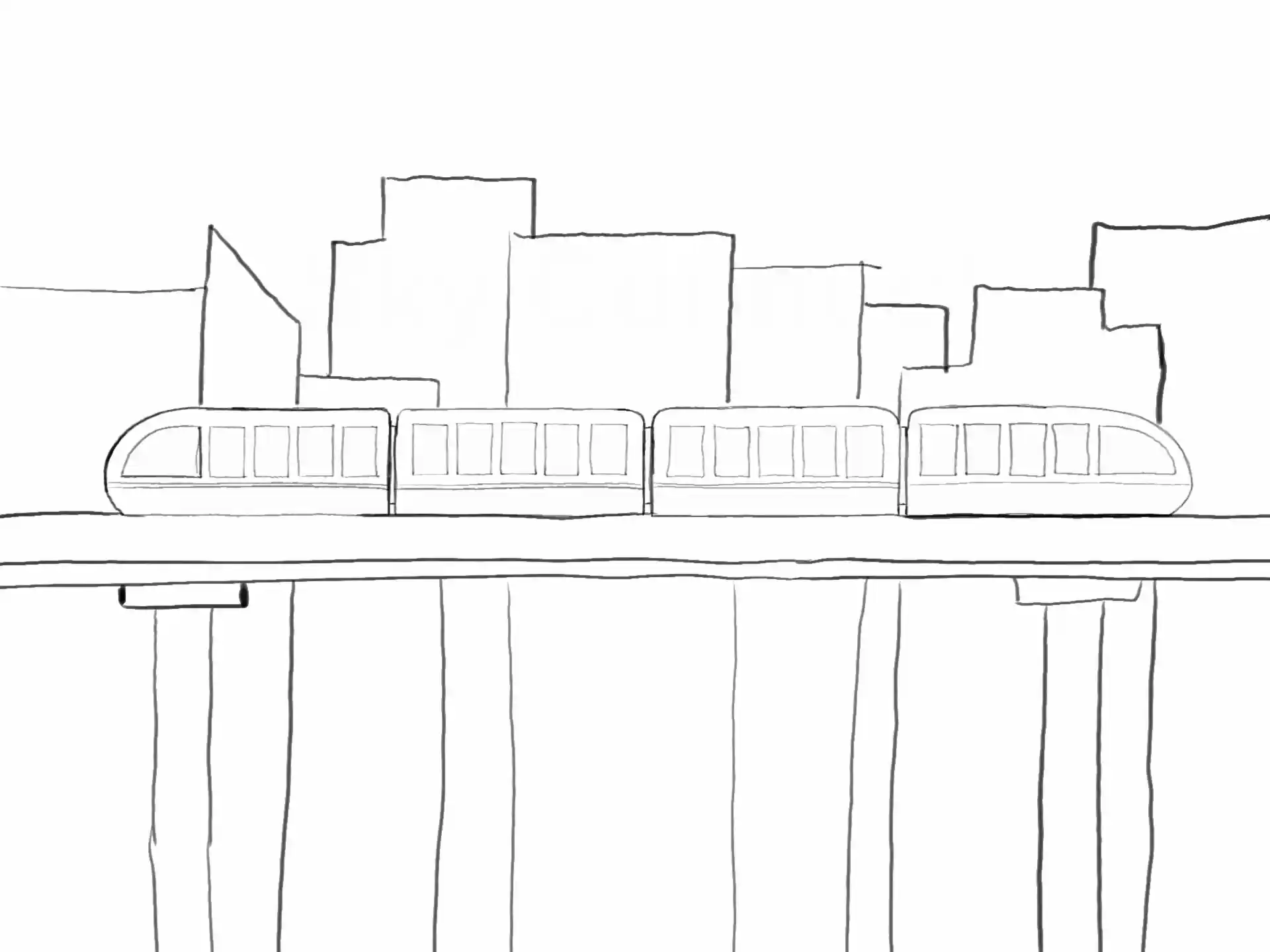
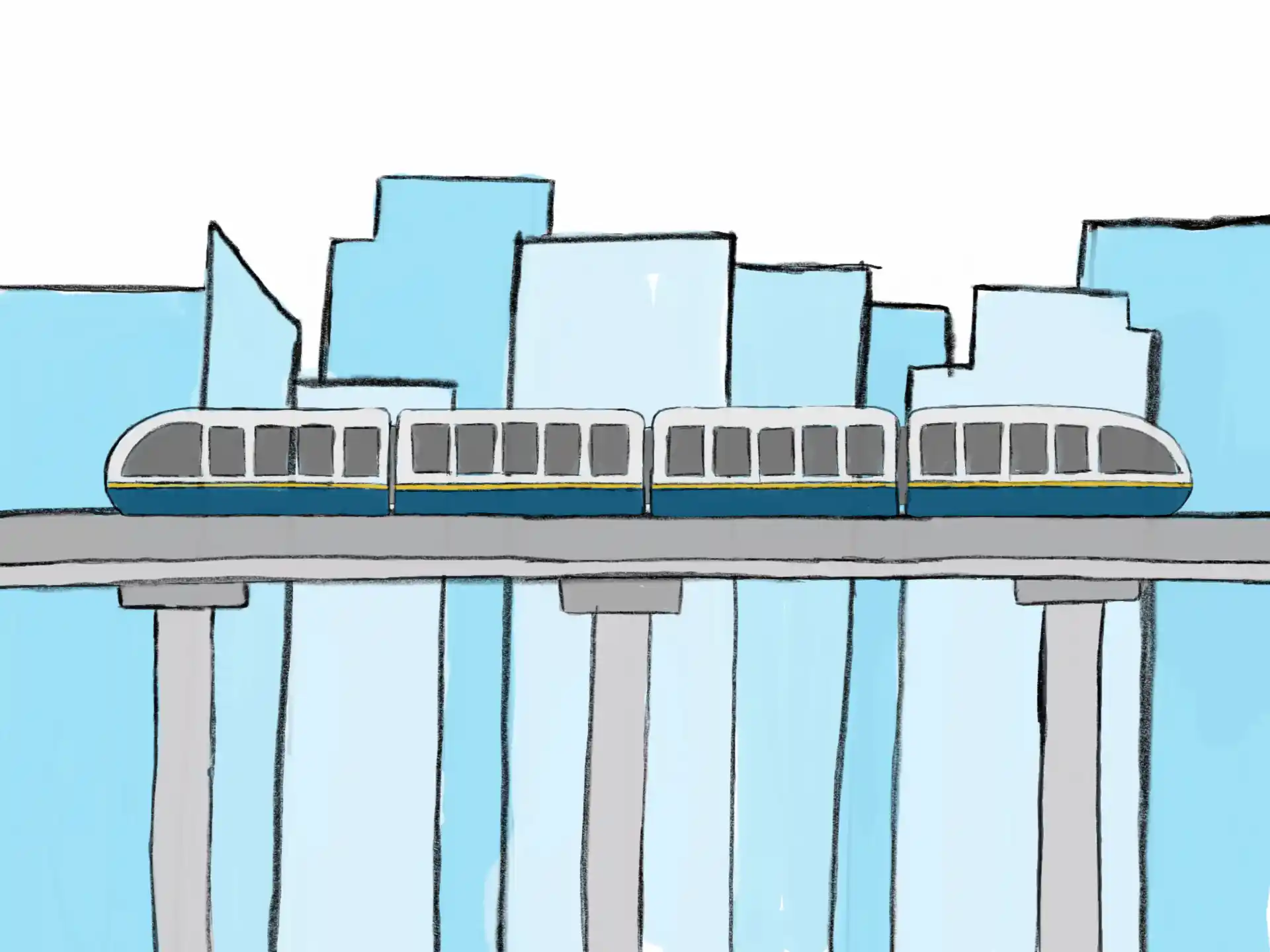
SkyConnect
An award-winning SkyTrain concept brought to life through animation, storytelling and 3D design.
Scroll, swipe, or select a paint swatch to explore.
Entrepreneurship · UX Design
An award-winning SkyTrain concept brought to life through animation, storytelling and 3D design.
Game Design · Java Programming
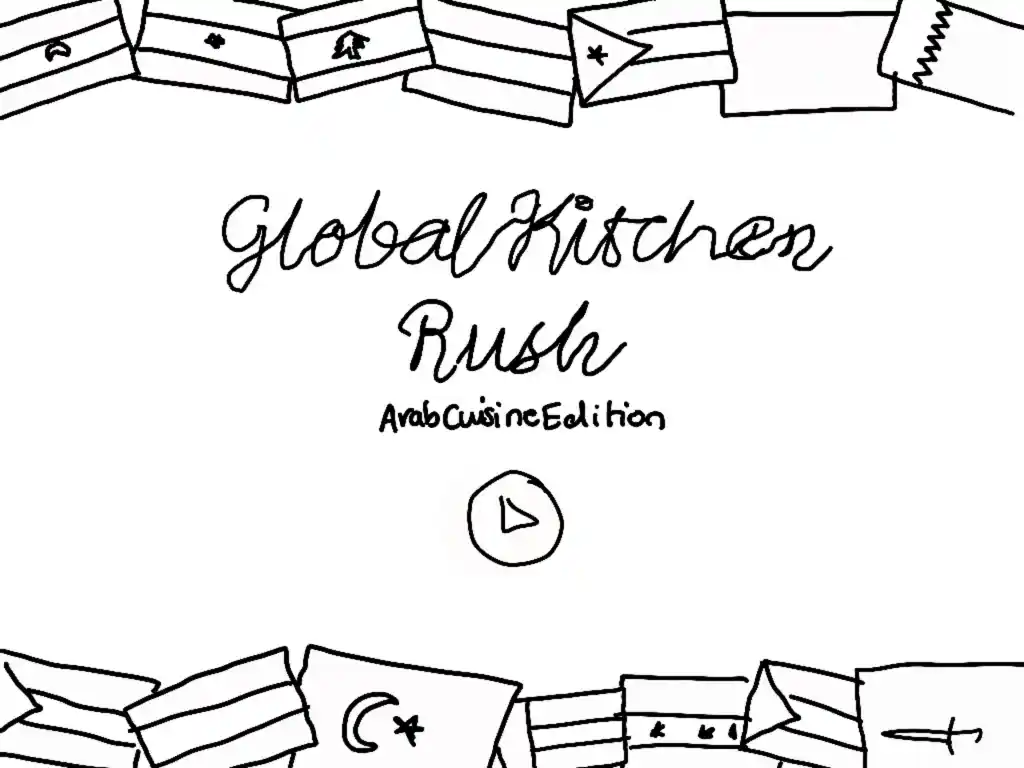
A hand drawn cooking game I designed and programmed entirely from scratch.
Product Design · Assistive Technology
A wearable assistive bag I designed, sewed and refined through user testing.
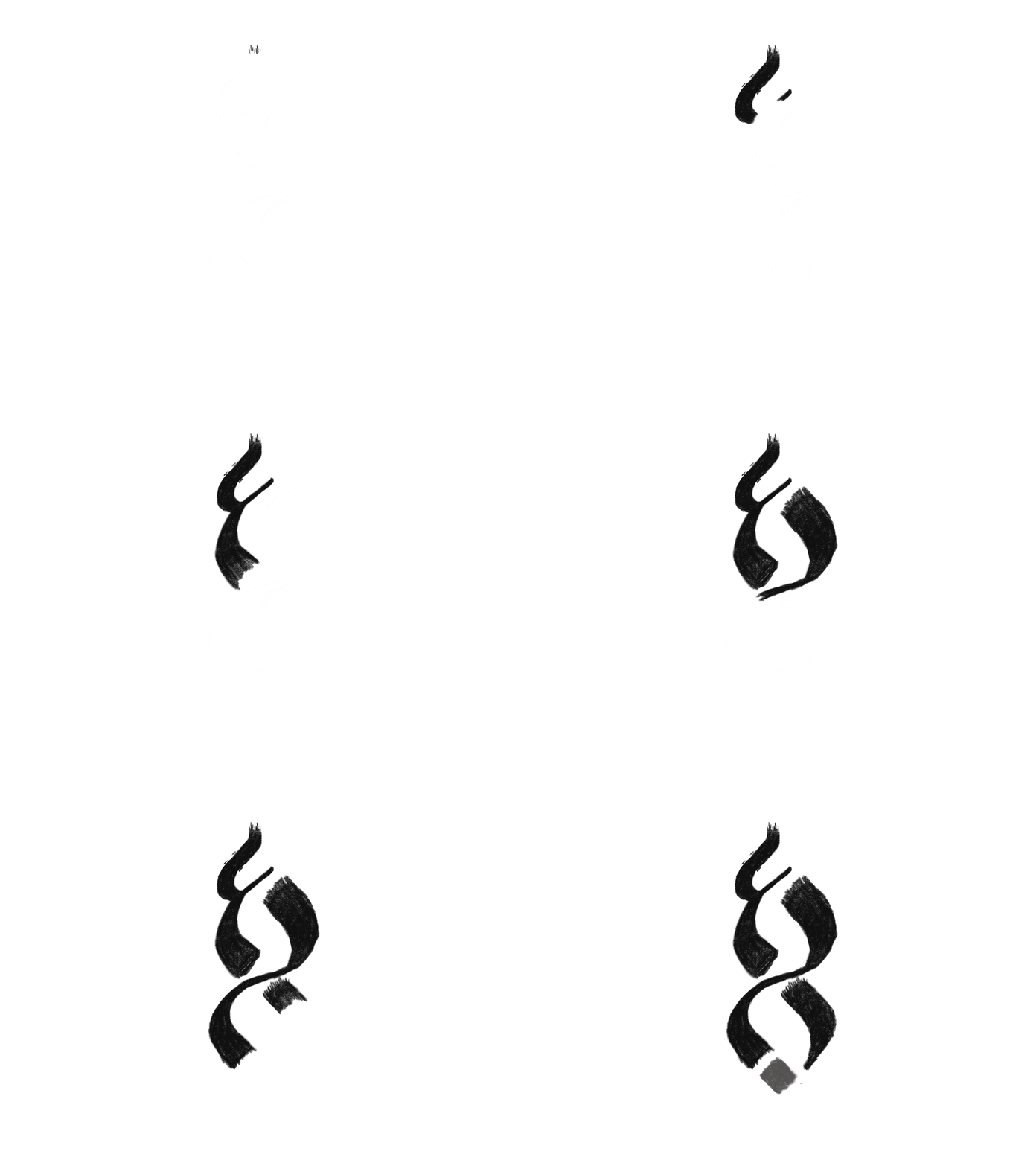

Graphic Design · Social Media Branding
Building ASA's visual identity through event graphics, illustration and social media design.
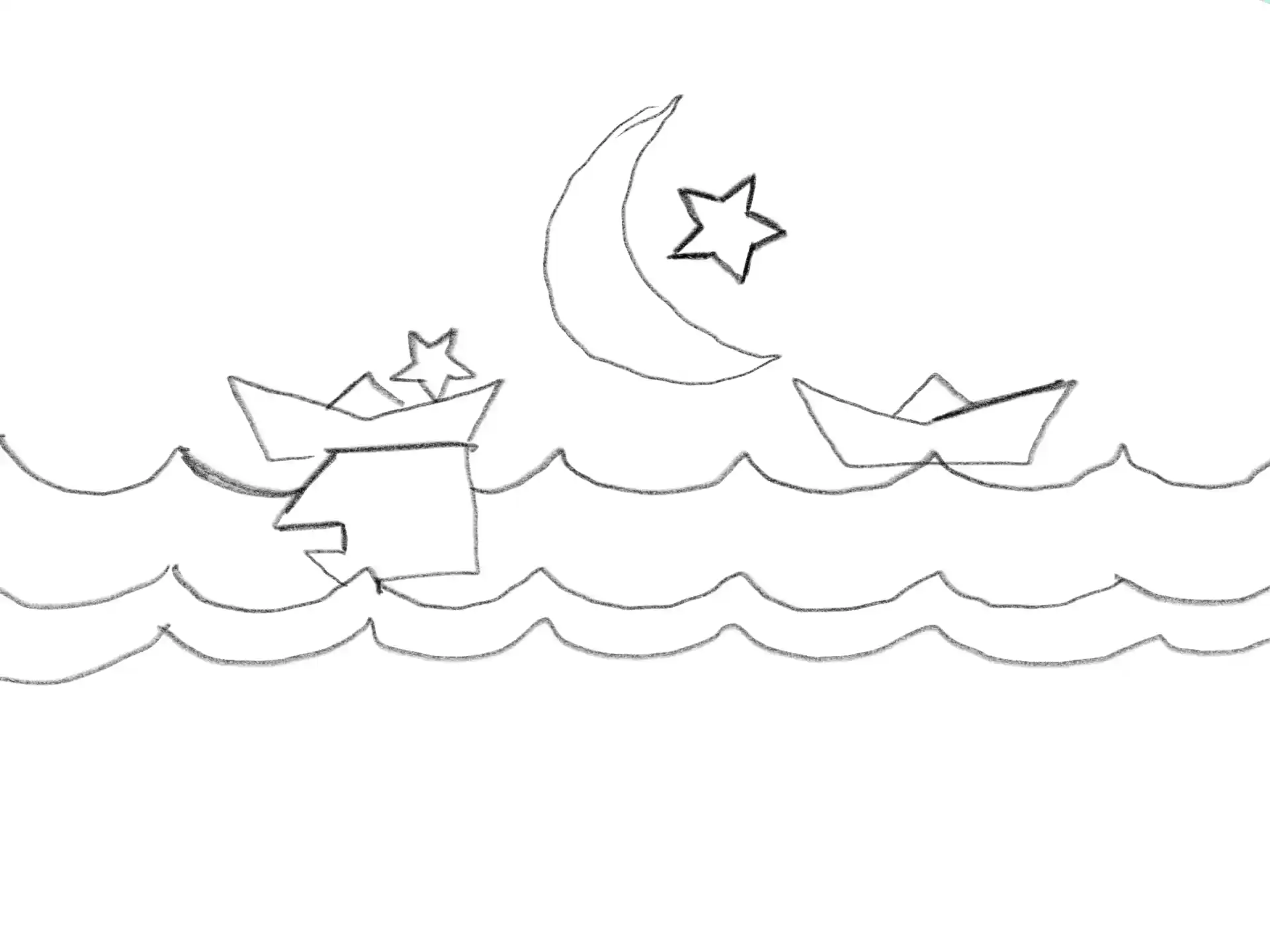


Mechanical Design · CAD Modelling
Designing and modelling a mechanical scene where every movement was driven by linkages and cams.
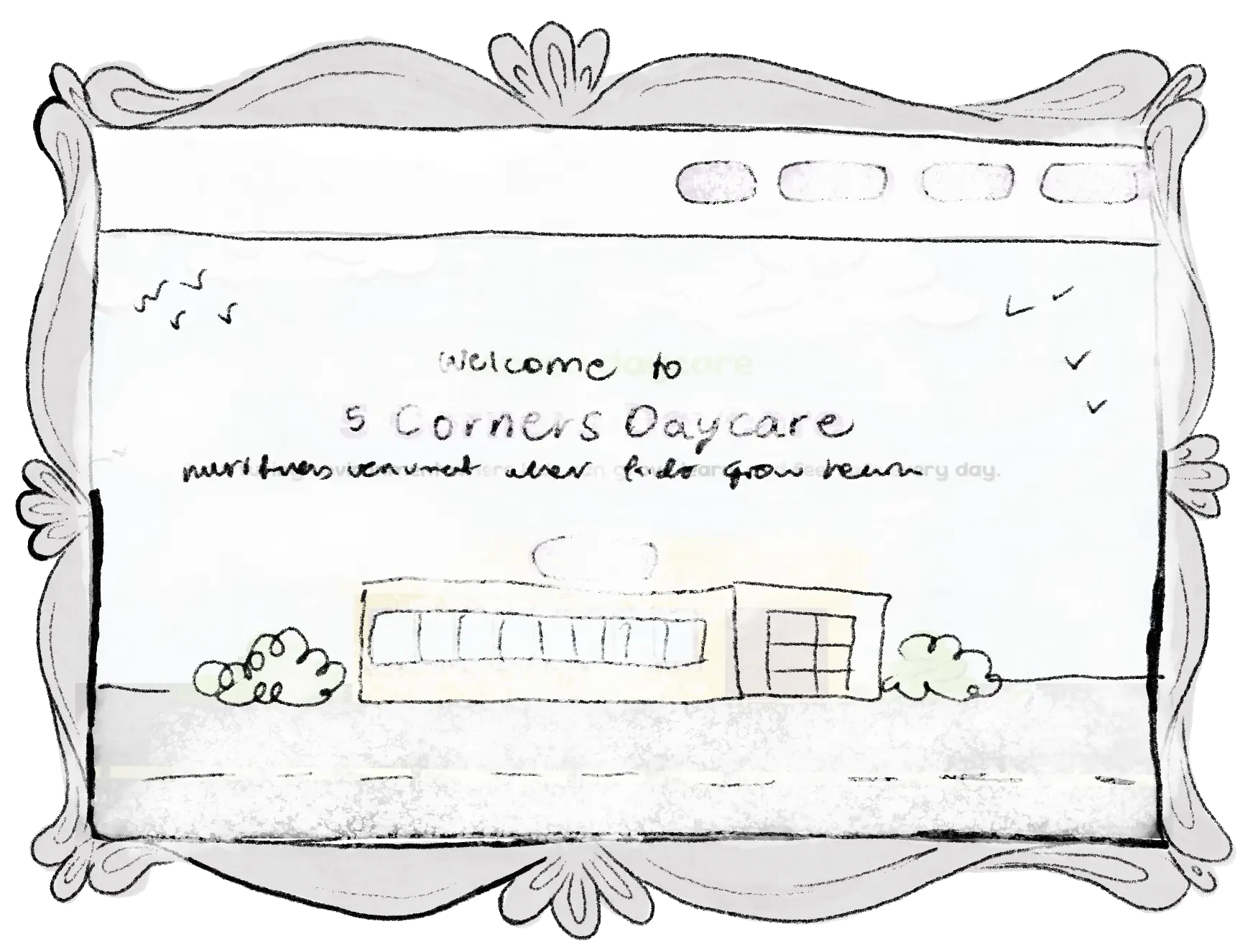
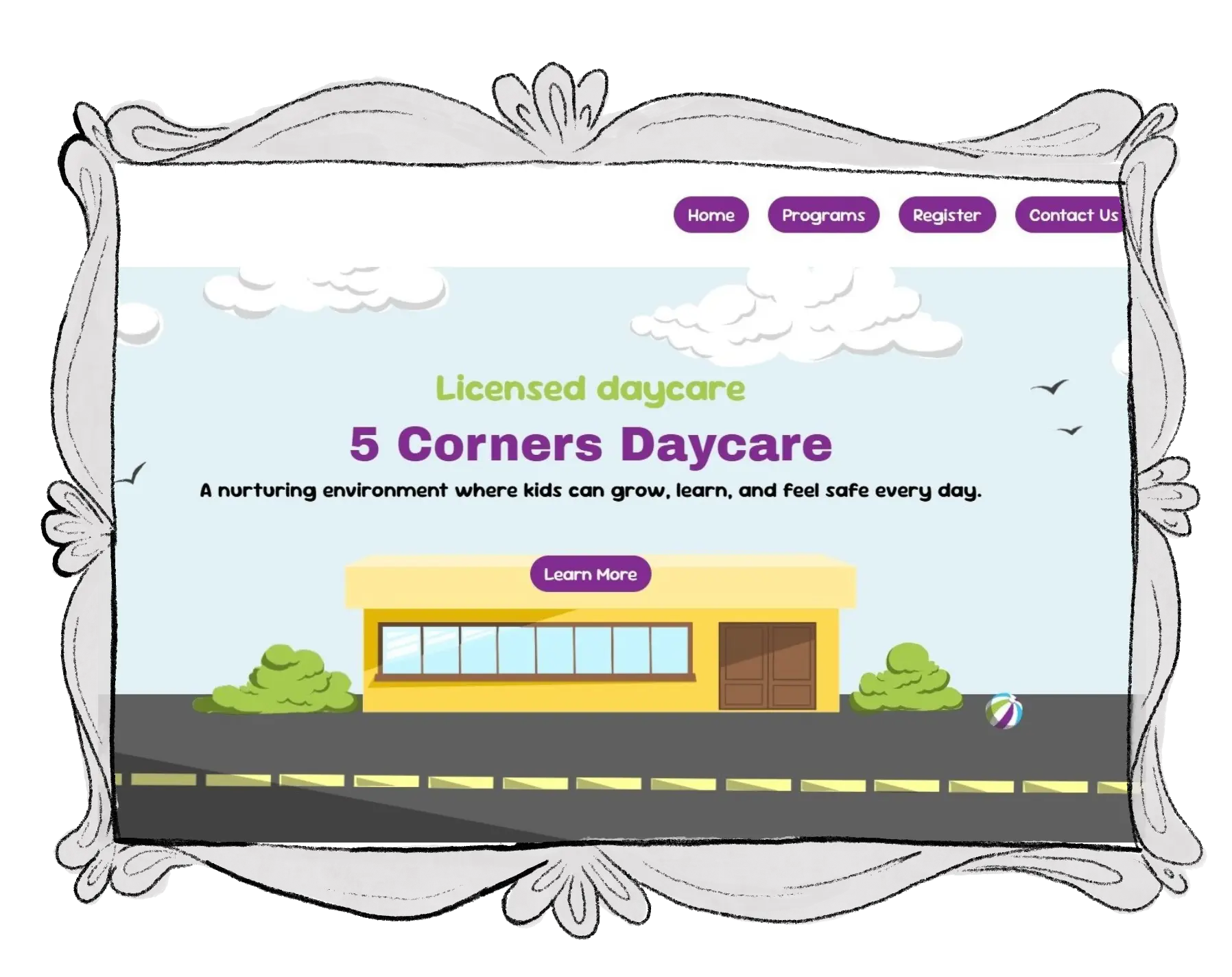

Web Design · Front-End Development
A website designed and developed for a real daycare business, combining front-end development with a custom visual identity inspired by the space itself.
Catalyst Entrepreneurship Challenge · Spring 2025
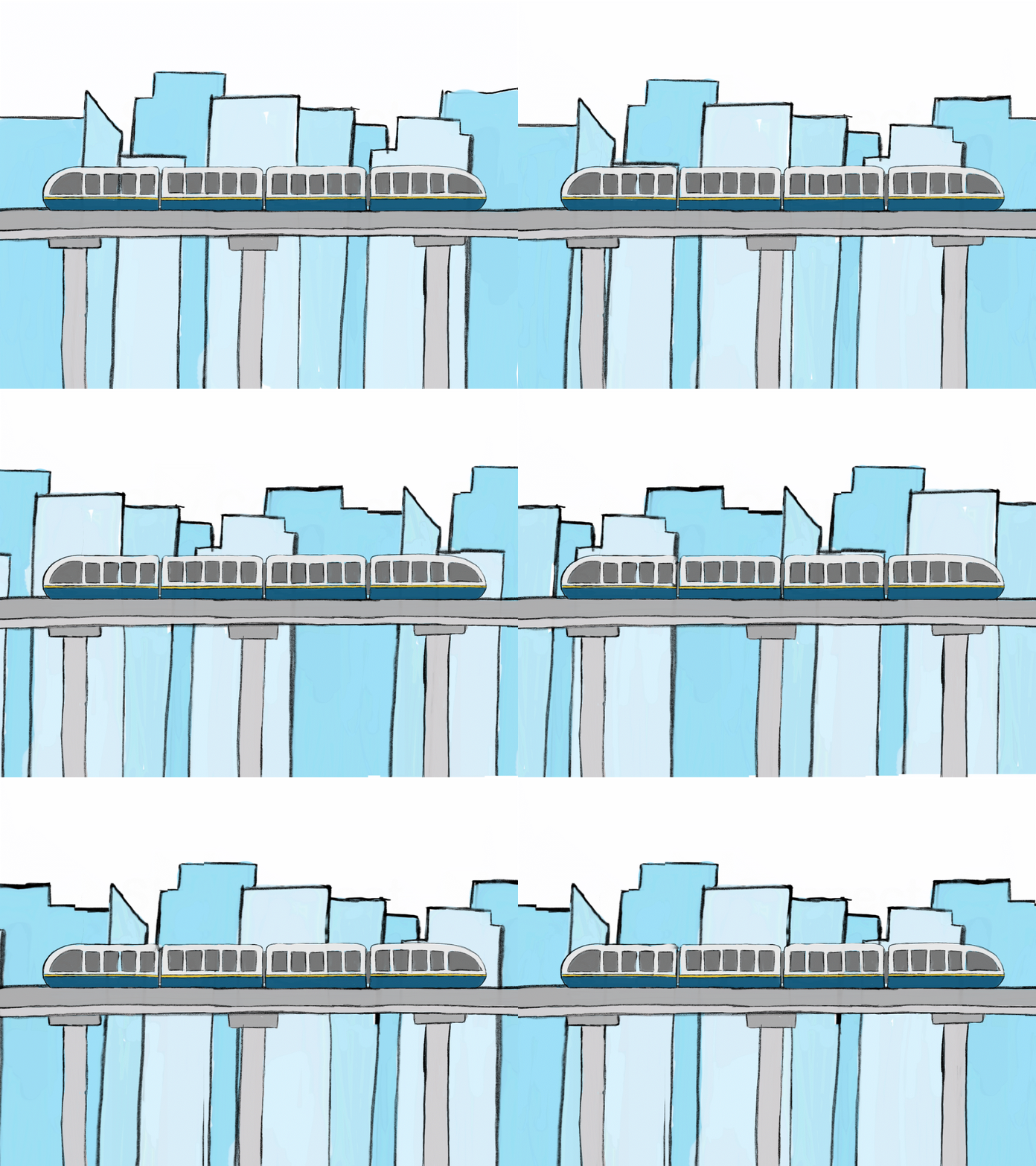
Transforming a transit concept into a visual experience through 3D modelling, animation, and storytelling.

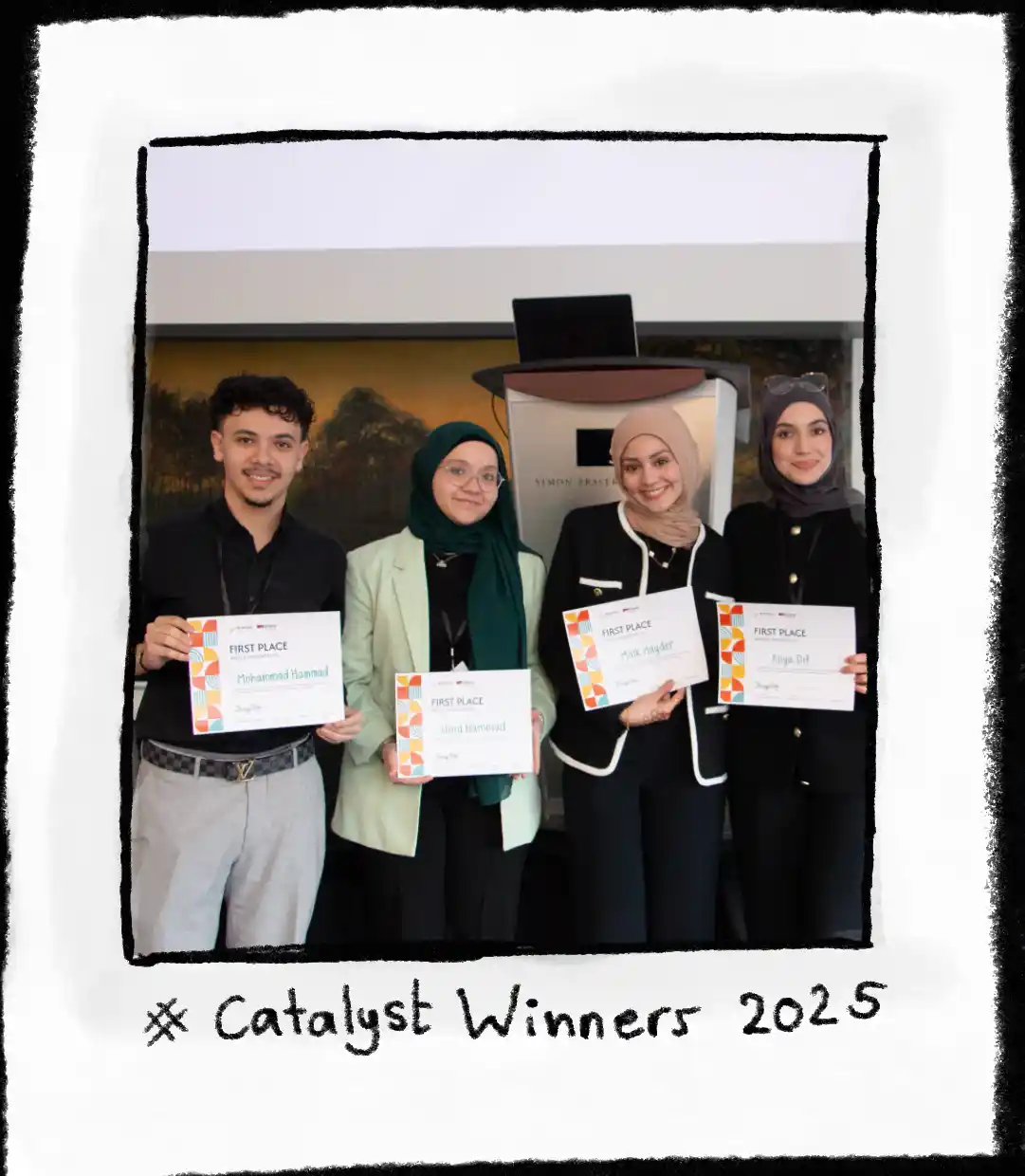
SkyConnect is a transit redesign concept focused on making SkyTrain more welcoming for families. My role was transforming our idea into something people could visually understand through 3D modelling and animation. Rather than presenting the concept through static slides, I created an animated visual experience that allowed people to imagine the design before it existed. The project went on to win first place.
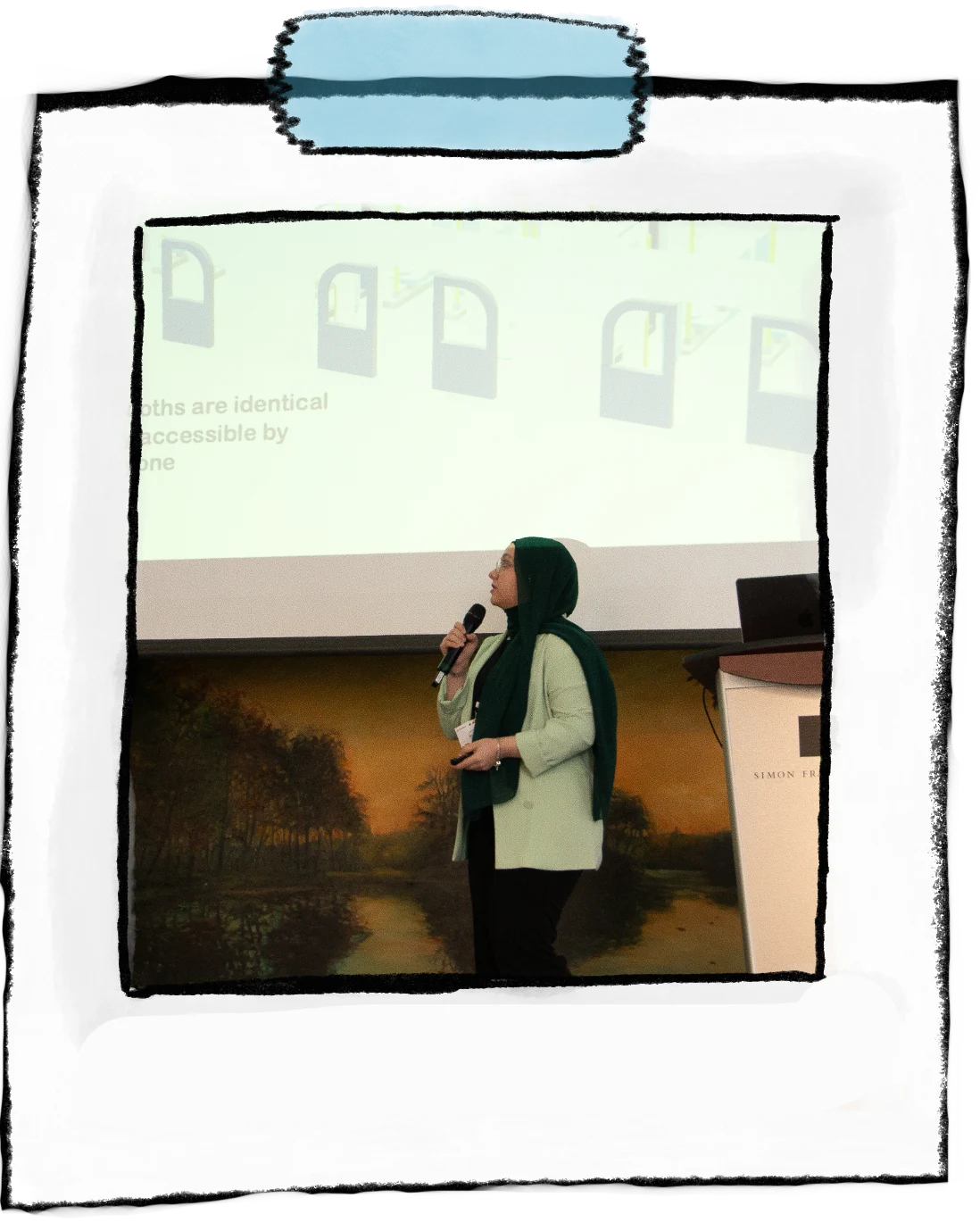
I designed and built the visual communication behind SkyConnect. I created the 3D SkyTrain model in Onshape with custom interior features such as security cameras and stroller buckle sections. This helped viewers visualize the concepts we represented. I also designed the animated pitch presentation to visually engage the audience and prevent the overuse of text from becoming overwhelming.
My goal was not simply to create a realistic model, but to use visuals to answer questions the audience might have:
By showing these details instead of only explaining them, I helped transform an abstract idea into something people could understand.
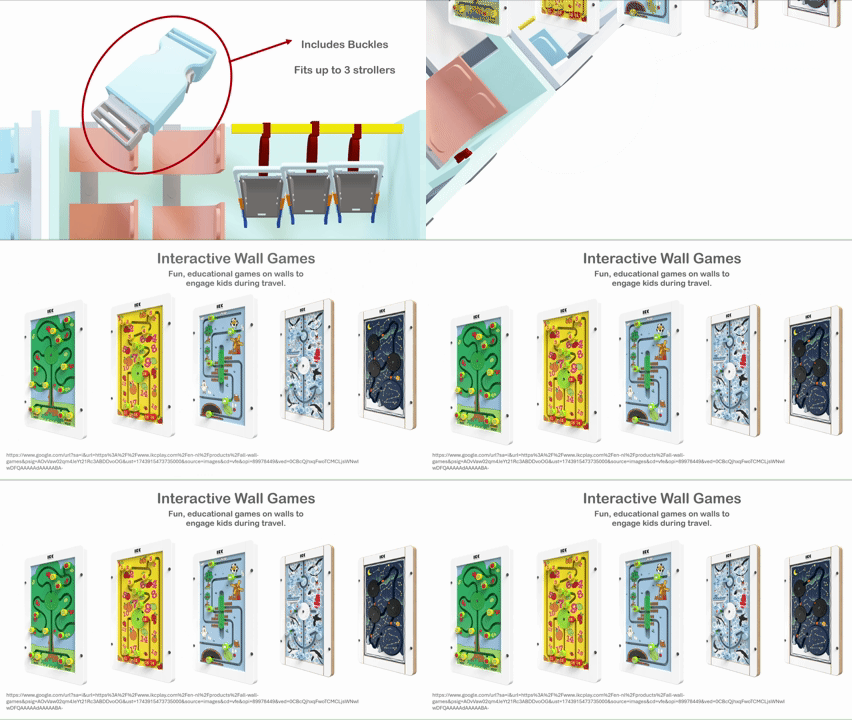
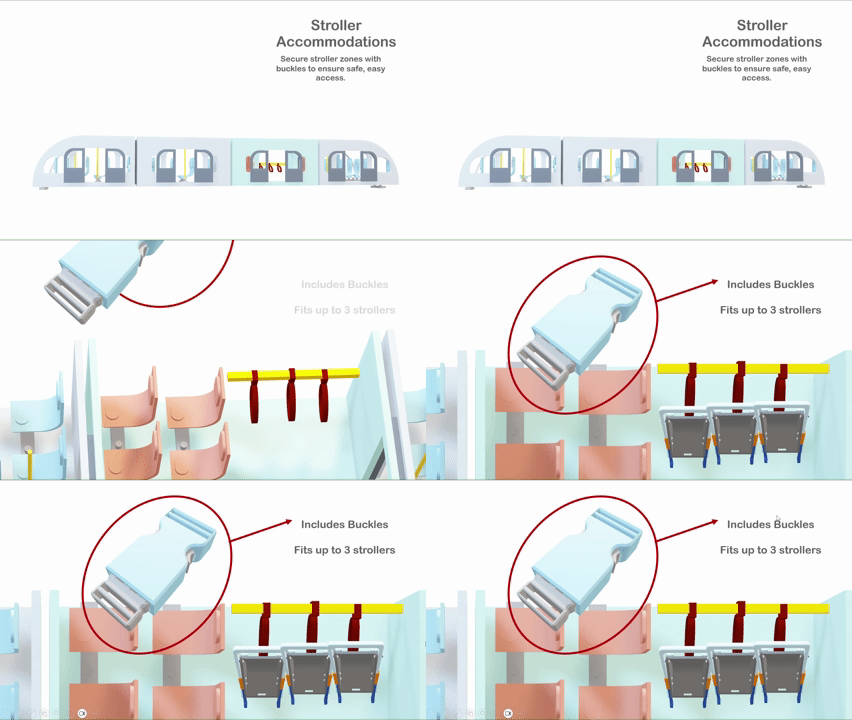
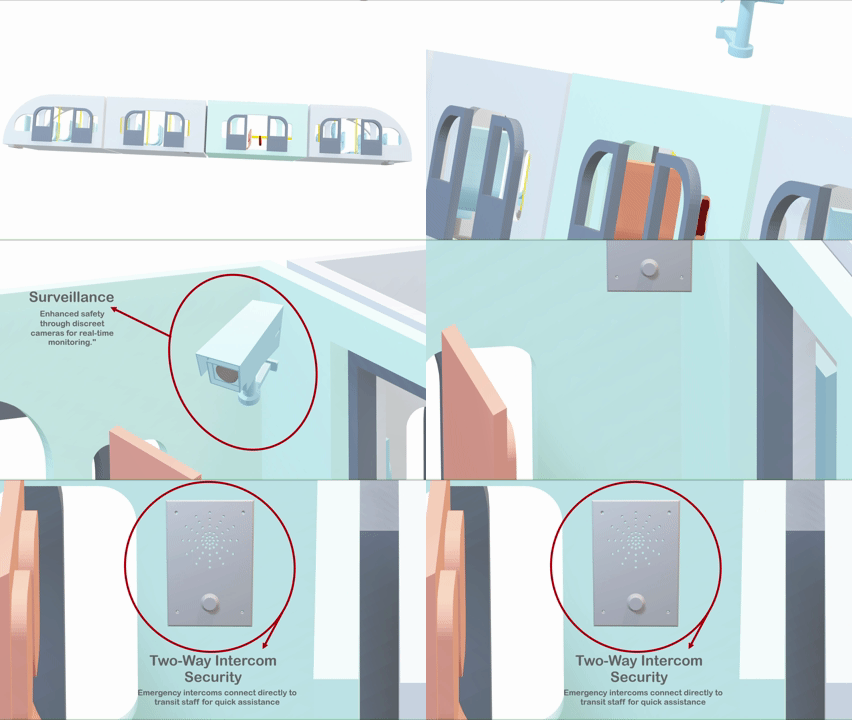
The project began with many ideas about safety, families, and the transit experience. The challenge was transforming those abstract ideas into visuals that people could immediately understand.
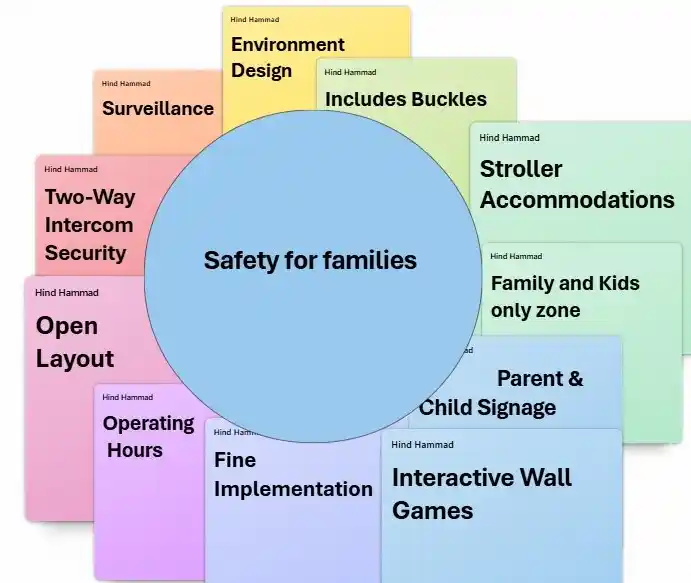
The biggest challenge was deciding what information needed to be shown through visuals and what needed to be written. Our research contained many ideas and explanations, but a successful presentation could not communicate everything through words. I learned that visual hierarchy and animated movement can guide attention toward the most important parts of the experience.
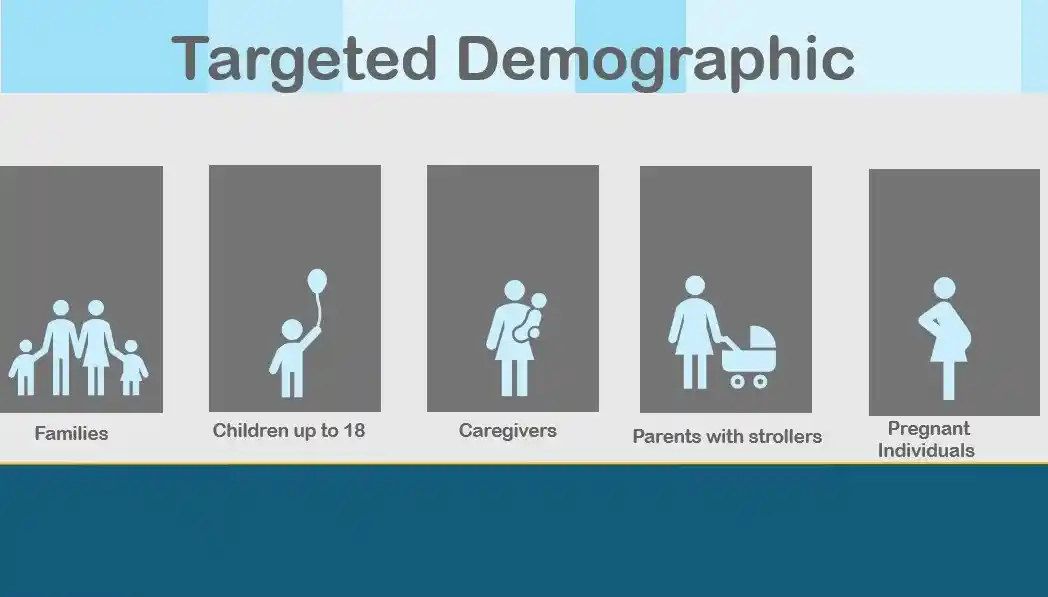
SkyConnect changed how I think about interactive design. I used to think storytelling meant explaining an idea clearly. This project showed me that storytelling can also happen through interaction, movement, and visual experiences. Creating the 3D model and animation strengthened my ability to translate complex ideas into visual experiences and communicate concepts before they exist.
If I had more time, I would add more environmental details to the 3D model to further communicate the experience.
IAT 265 · Multimedia Programming for Art and Design
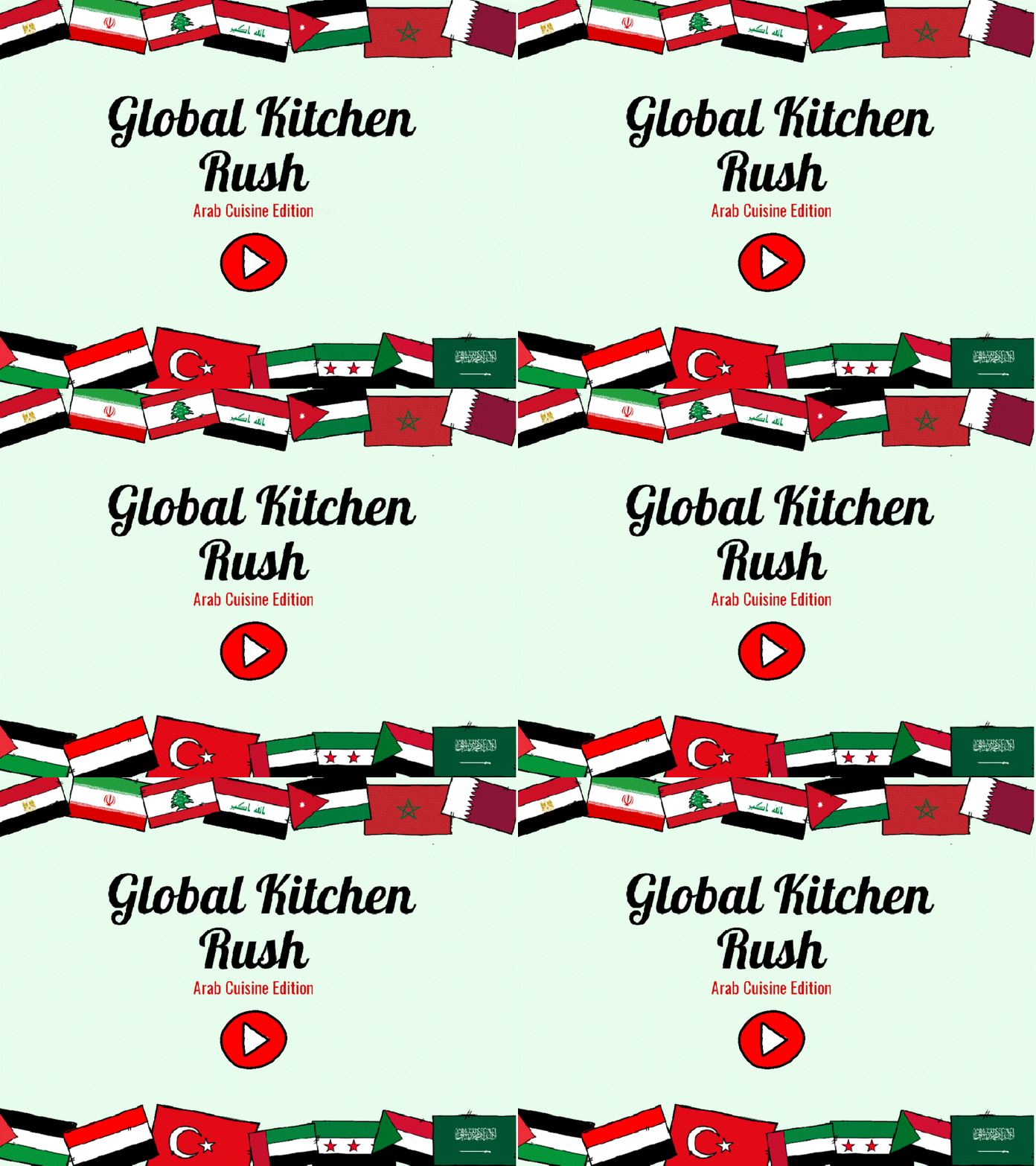
A cooking game combining hand-drawn visuals, Java programming, and interactive storytelling.
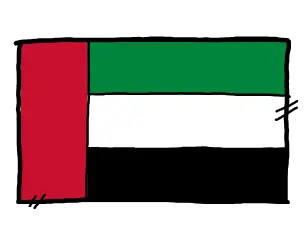
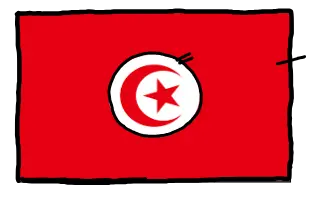
Global Kitchen Rush is a cooking game I designed and programmed using Java. The project explores how interactive experiences can teach players about different meals and cultures through discovery. I created the complete experience, including the gameplay systems, hand-drawn artwork, interface elements and recipe interactions.
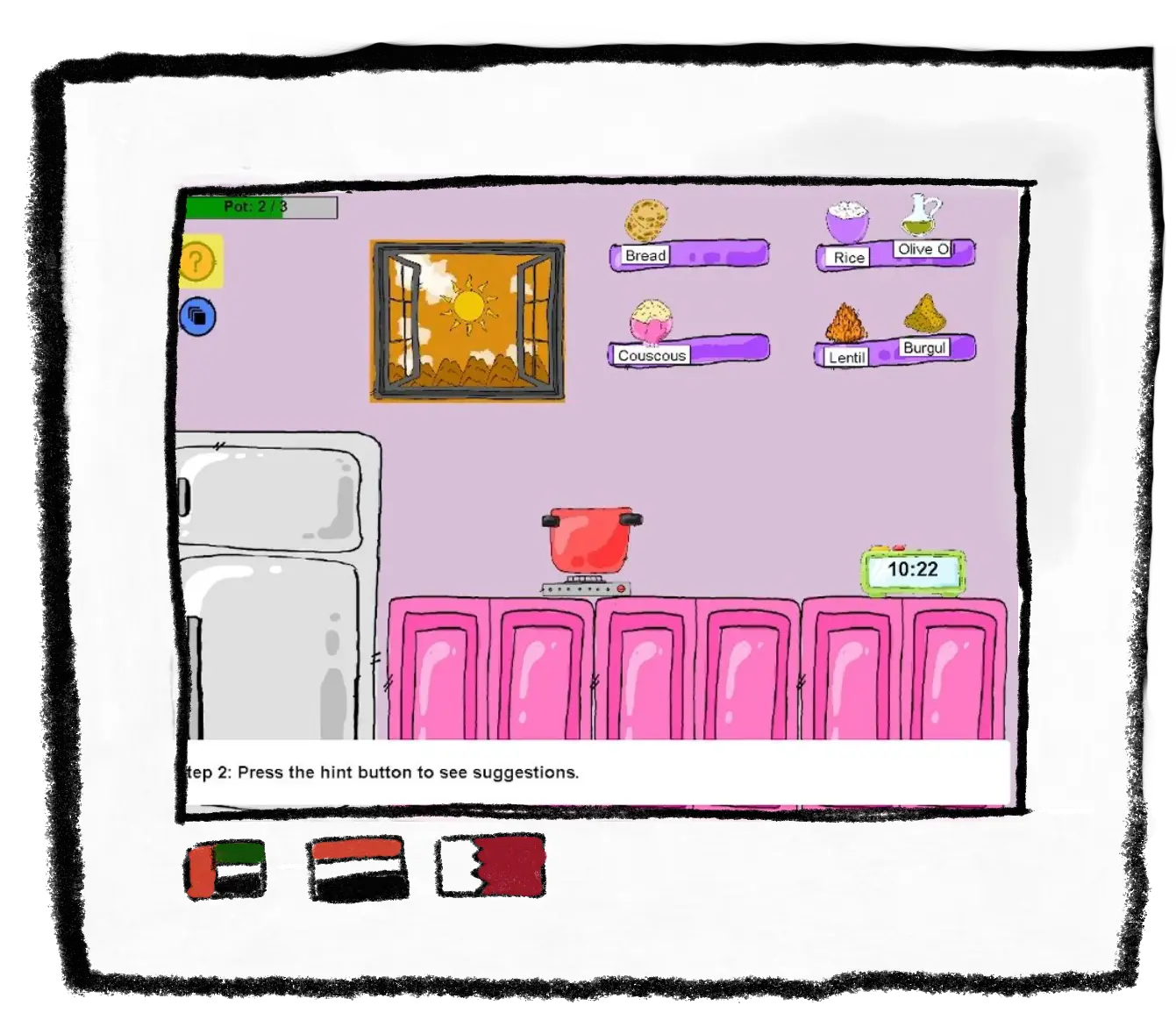
I developed both the visual and technical parts of the project. I programmed the game systems in Java, including ingredient interactions, recipe recognition and player feedback. I also created the hand-drawn assets, including ingredients, meals, characters and interface elements, to create one consistent visual style.
The main technical challenge was creating a system that could recognize ingredient combinations. The game compares player choices against stored recipes and responds by unlocking the correct meal. This allowed players to experiment instead of following a fixed path.
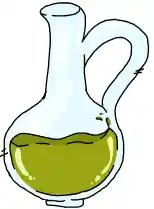
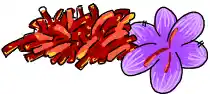
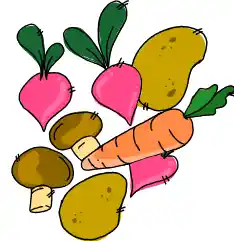
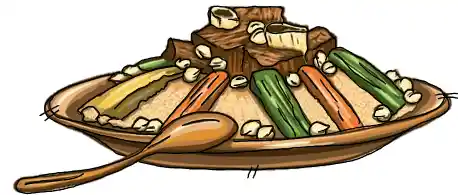
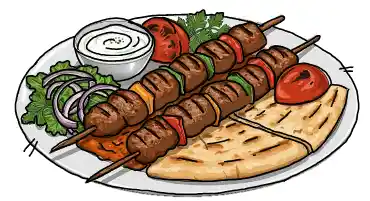
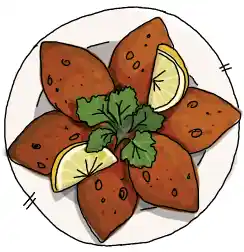
I started by planning the gameplay flow and sketching the interface before moving into development. I created the illustrations first, then connected each visual element with Java programming. Throughout development, I tested the interactions and adjusted the design to make the experience easier for players to understand.
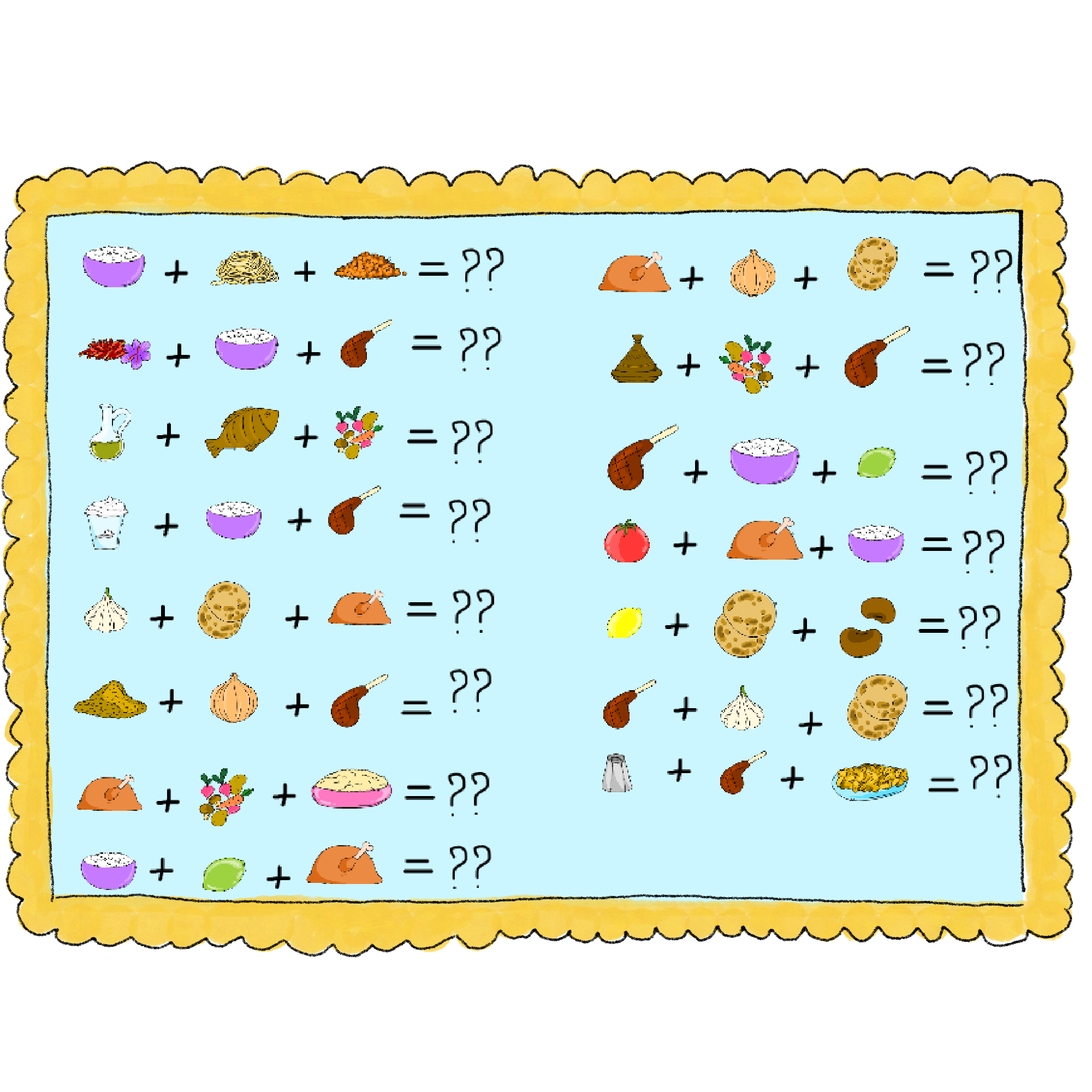
The biggest challenge was balancing programming and visual design. Building the recipe system while creating every asset required me to think about both how the game worked and how players experienced it.
Global Kitchen Rush showed me how programming and design can work together to create an interactive experience. Creating the artwork and systems myself helped me understand the connection between visual decisions and player interaction.
If I continued this project, I would expand the recipe system with more dishes and create more feedback moments to make exploration feel even more rewarding.
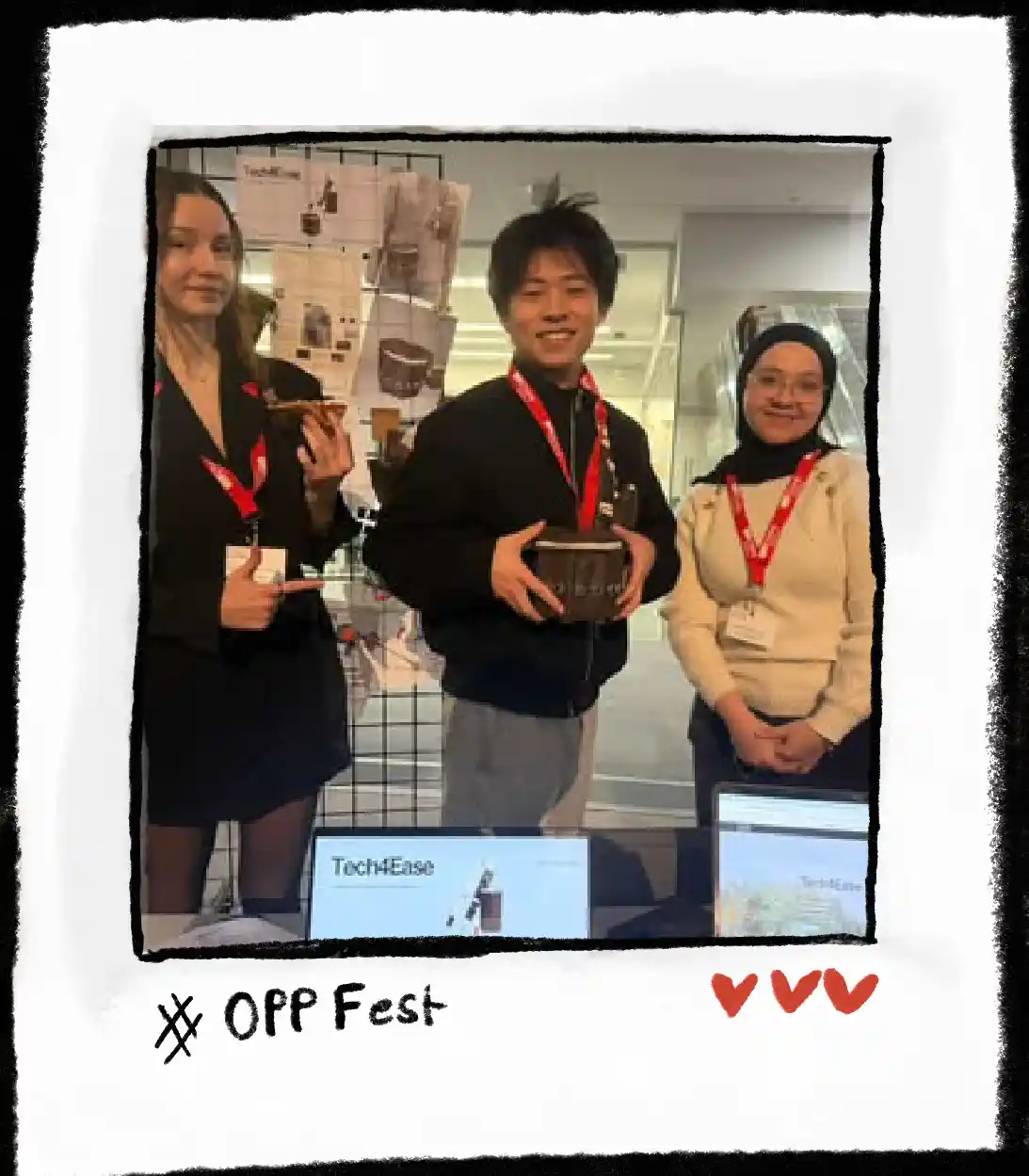
IAT 336 · Materials in Practice · Opportunity Fest 2025
Designing an assistive wearable through sketching, fabrication, 3D modelling and prototyping.
Tech4Ease is an assistive wearable bag designed to help people with visual impairments detect obstacles beyond the range of a traditional white cane. My focus was transforming the concept into a physical product by designing the bag form, planning the internal layout and creating a prototype that balanced technology with comfort and usability.
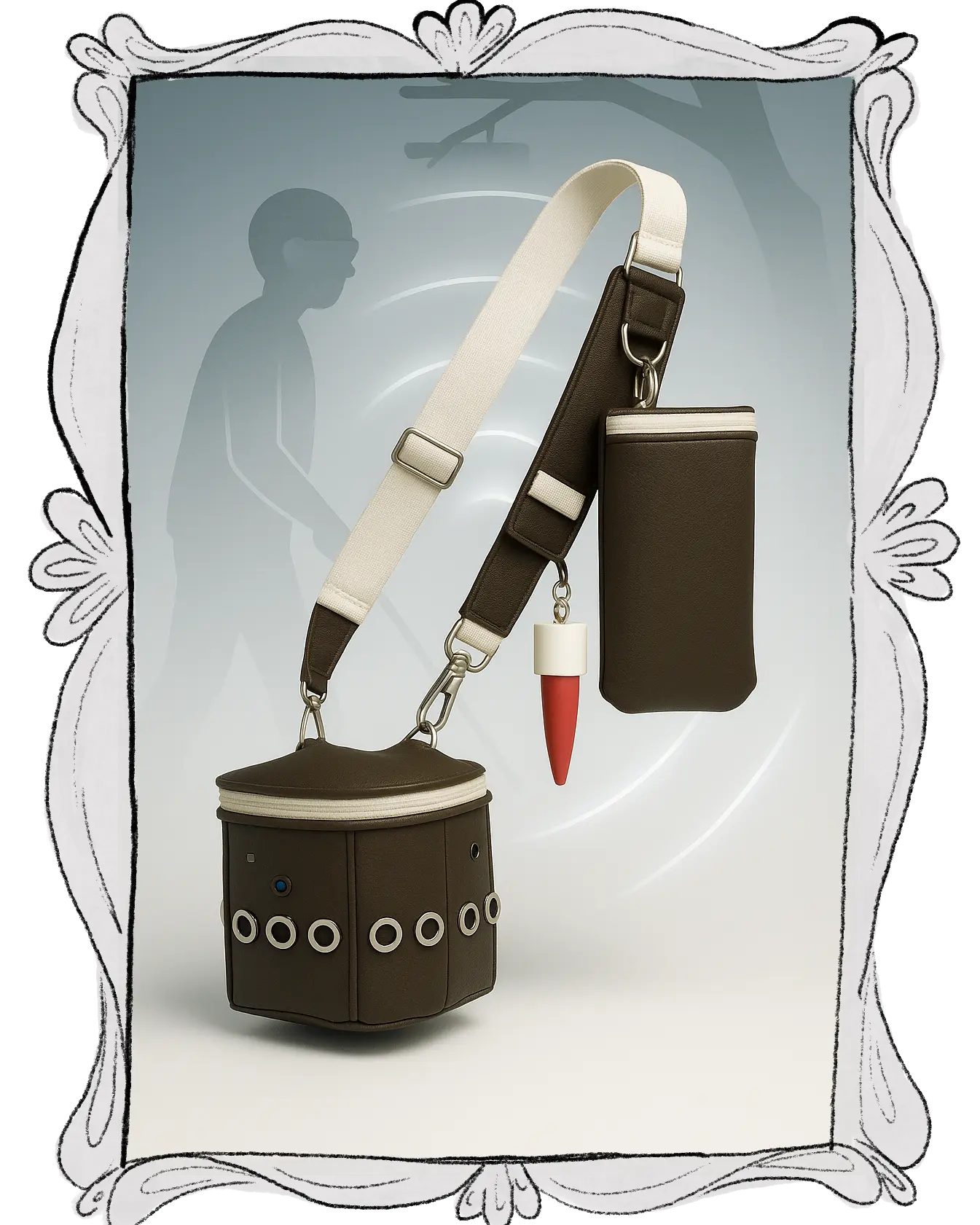
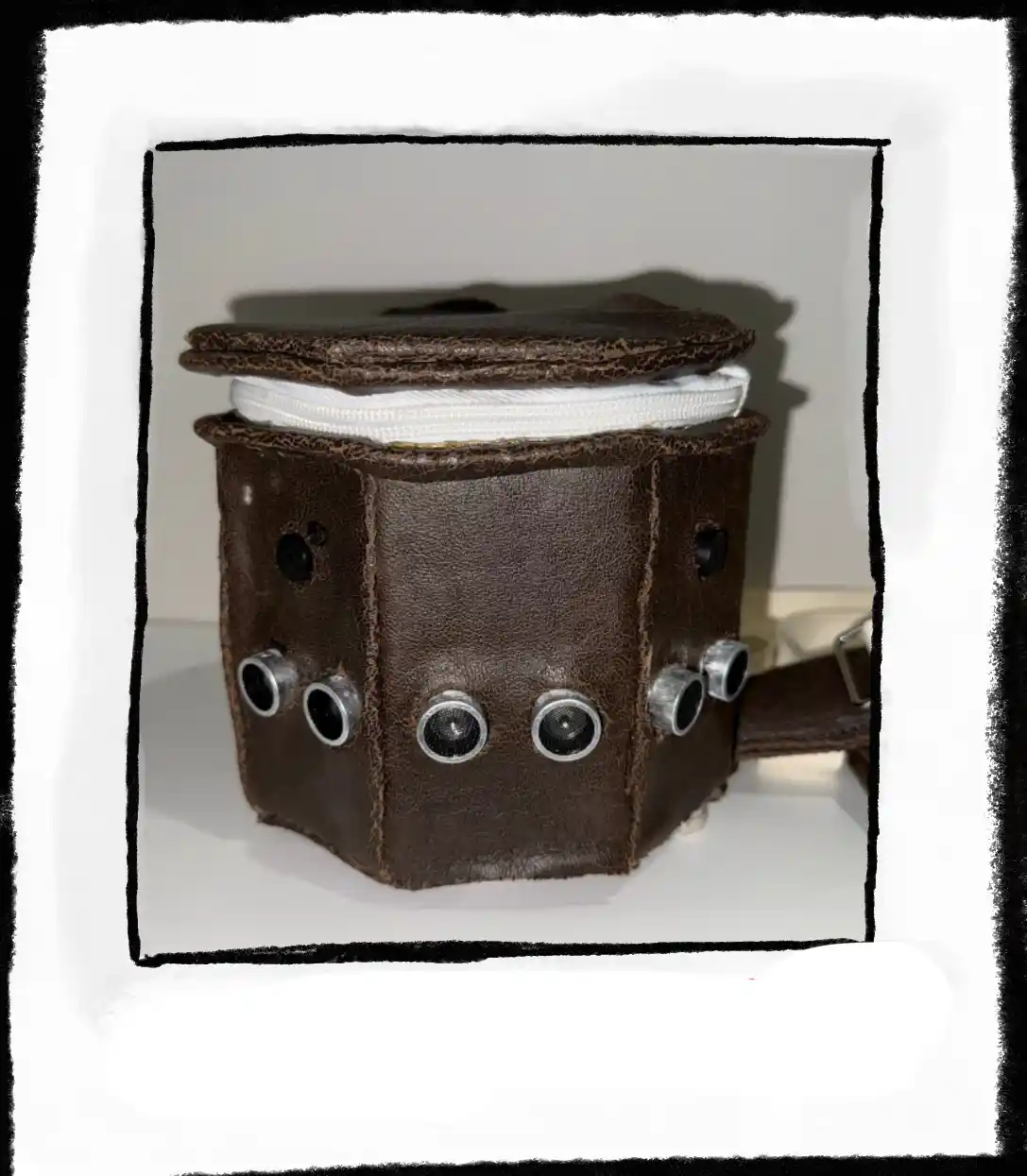
I focused on the physical design and fabrication of the bag. I created sketches, explored different forms, planned where the electronics would sit and completed the sewing and assembly of the prototype. My goal was to make the technology feel integrated into a wearable object instead of simply attaching electronics onto a bag.
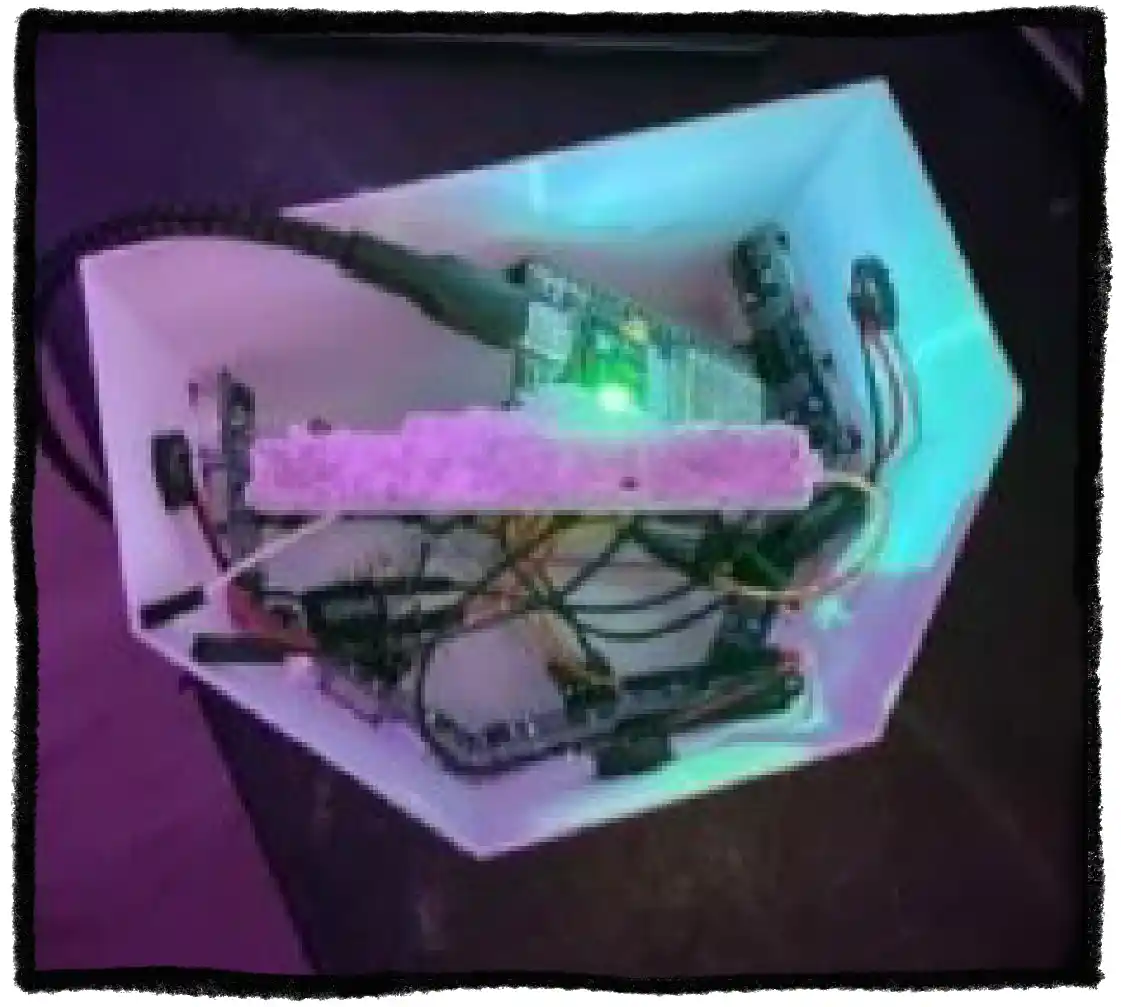
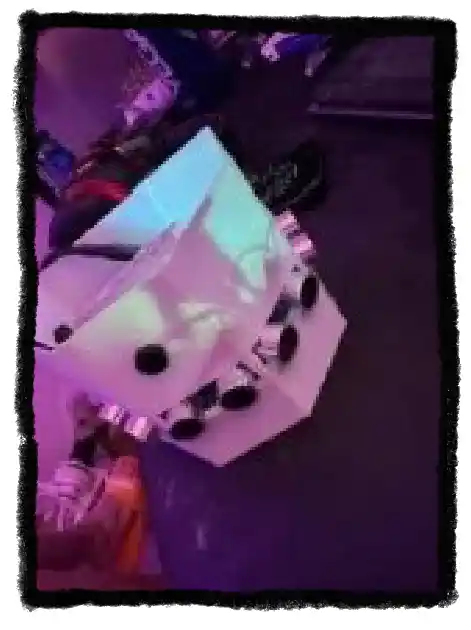
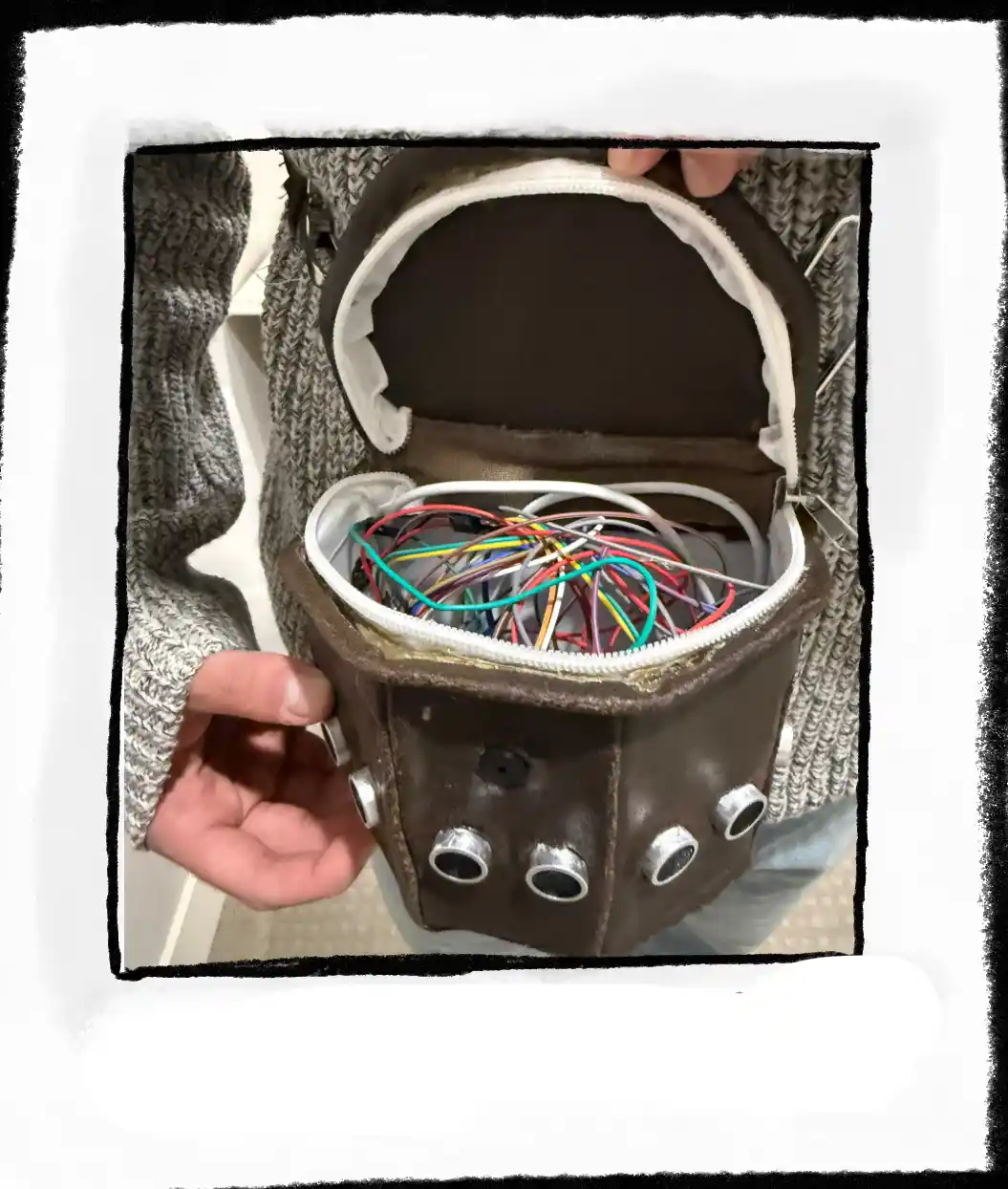
I began by sketching different bag forms and exploring how the technology could be integrated into a wearable object. After choosing a direction, I moved between 3D modelling, sewing and testing to improve the structure. Each prototype revealed new problems with size, placement and comfort, which helped guide the next design decision.
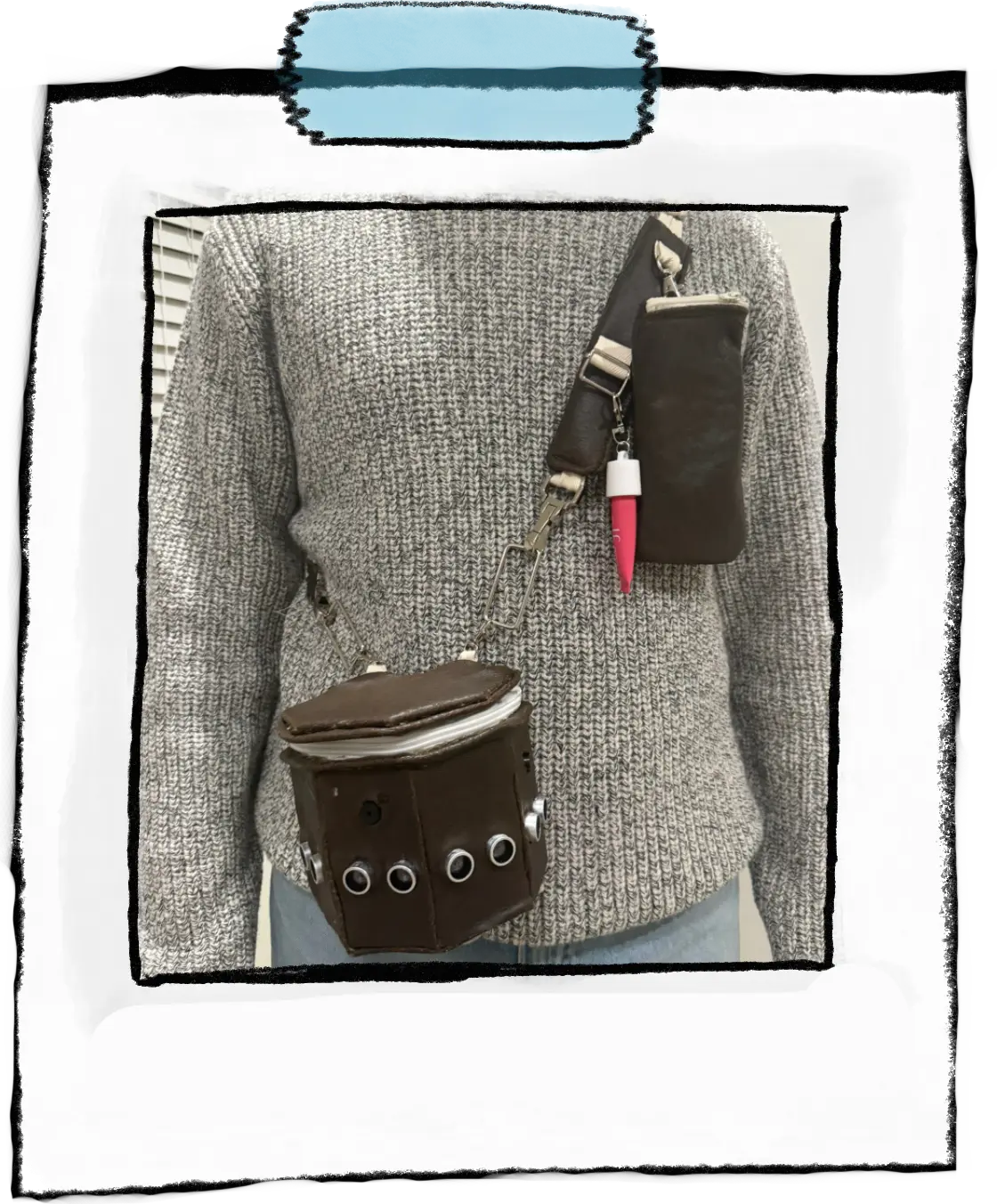
I constructed the final bag by sewing the physical structure and integrating the electronic components. The main challenge was creating enough space for the technology while keeping the bag comfortable and visually approachable.
The biggest challenge was balancing the technical requirements with the physical experience of wearing the product. The sensors and wiring needed to function properly, but the bag also needed to feel lightweight, comfortable and natural to use.
Tech4Ease changed how I approach physical design. I learned that a product cannot be solved only through sketches; making and testing reveal problems that are impossible to predict.
If I continued the project, I would improve the internal organization of the electronics and create more prototype iterations to refine comfort, weight distribution and accessibility.

Arab Student Association · Simon Fraser University
Designing event graphics that communicate identity, atmosphere and community.
As Graphic Executive for the Arab Student Association at SFU, I created promotional graphics for different events throughout the year. Each event had its own audience, mood and purpose, so my role was to design visuals that communicated the experience while keeping ASA recognizable.
I designed Instagram posts, invitations and animated graphics by combining illustration, typography and layout decisions to make information clear while creating excitement before each event.
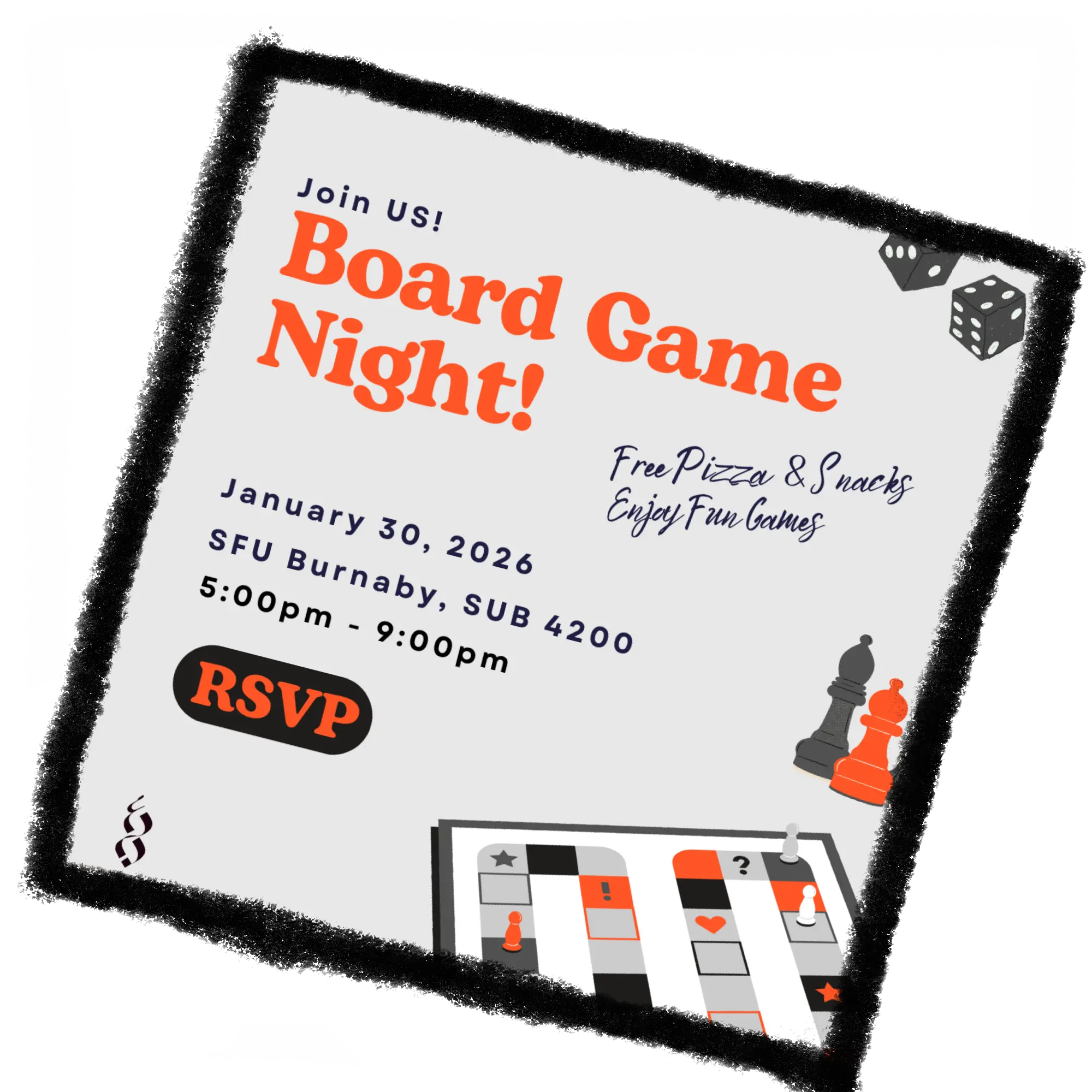
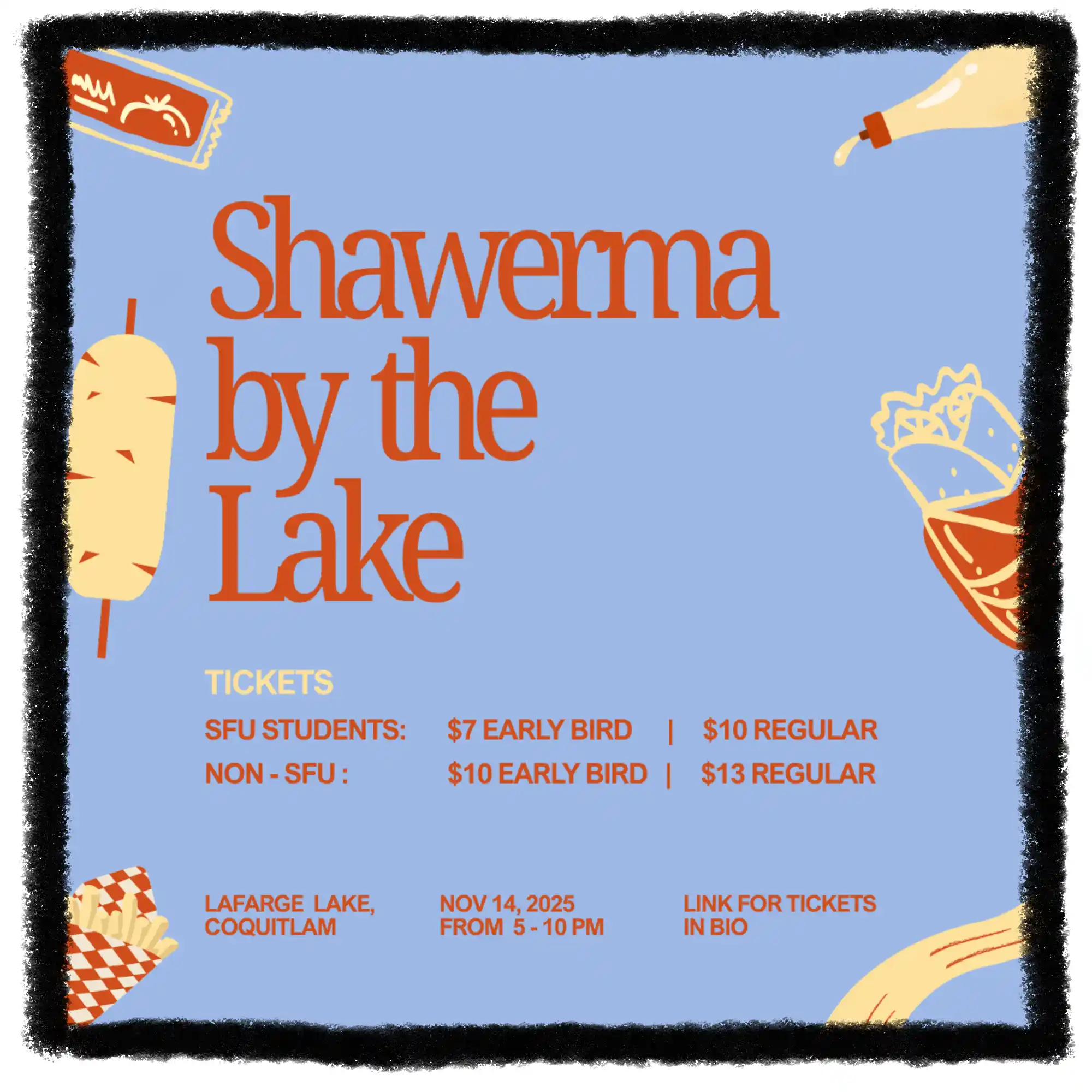
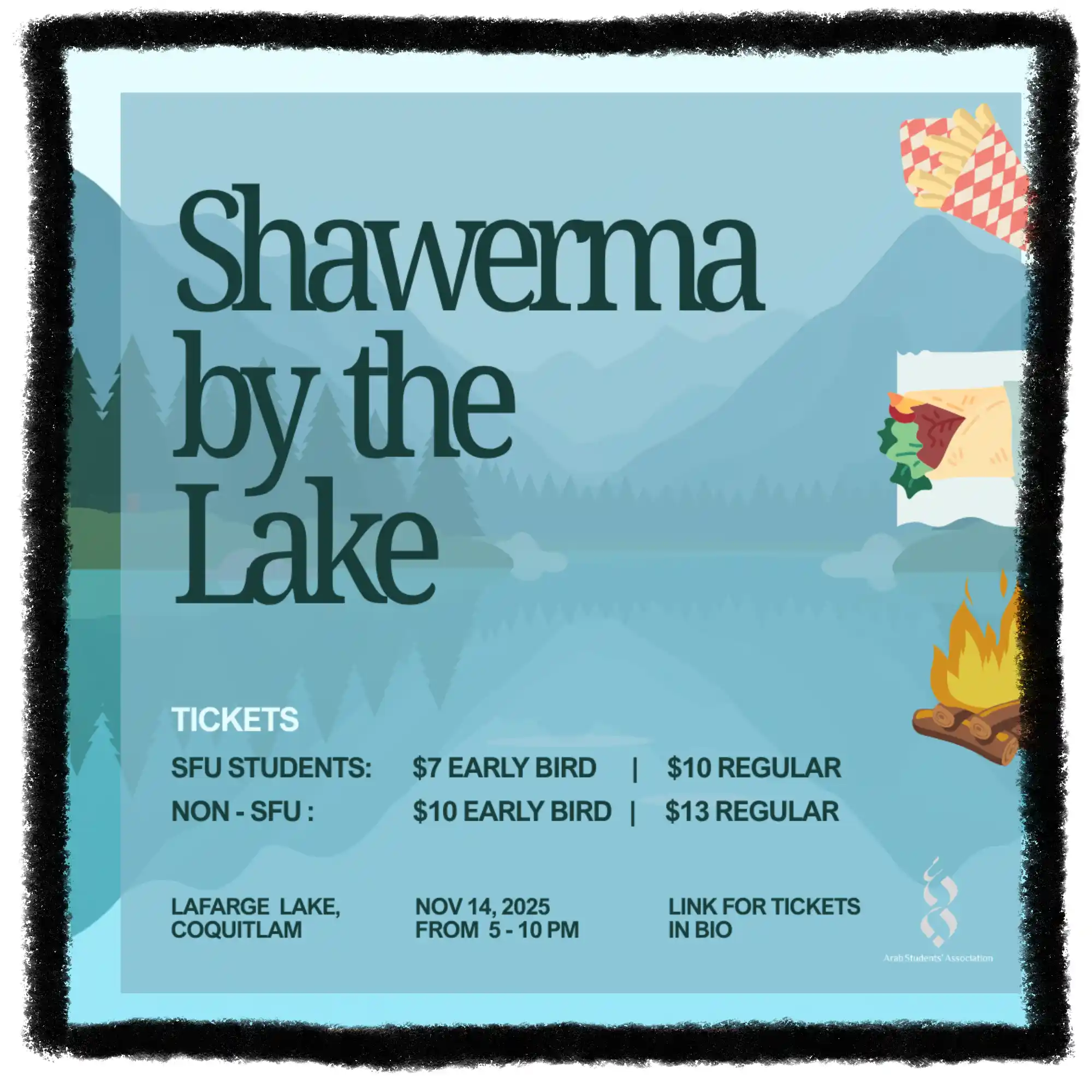
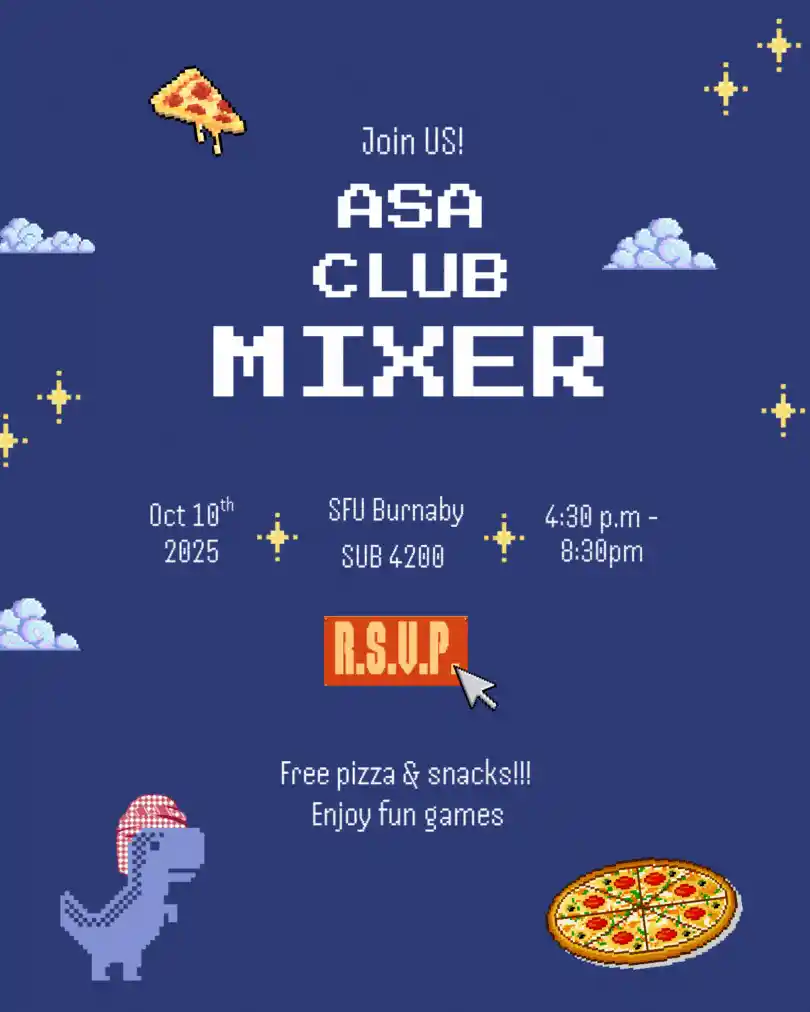
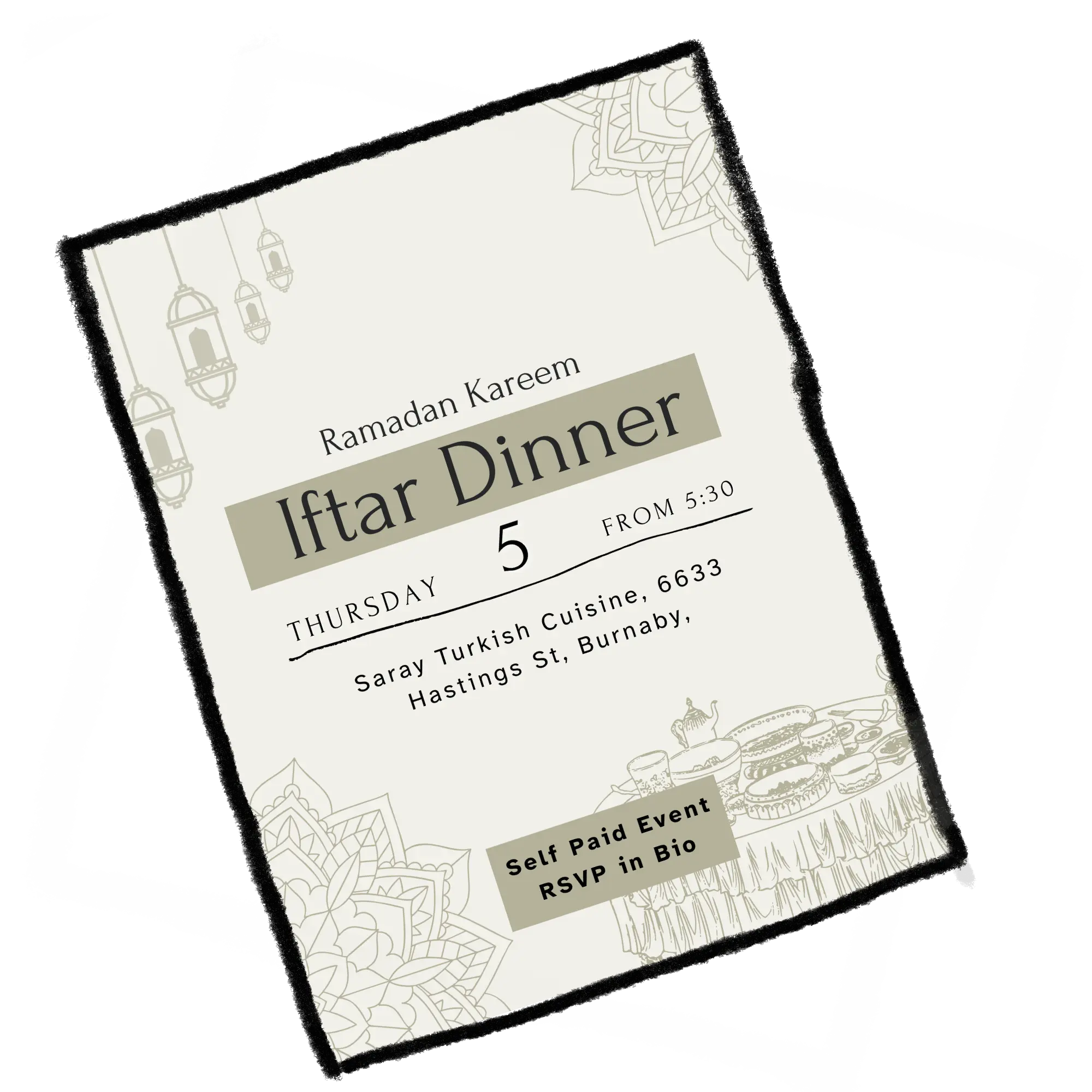
ASA helped me understand that graphic design is not only about creating visually appealing images. Each design decision needs to support a goal: attracting attention, communicating information and creating excitement before an event.
If I continued improving this work, I would develop a stronger visual system for ASA by creating more consistent typography, layouts and reusable design elements while still allowing each event to have its own personality.
IAT 106 · Spatial Thinking and Communicating
Transforming sketches into 3D models designed for movement.
This project explored how simple mechanical systems could be combined with visual storytelling. Our automata scene included elements such as fish, boats, waves and a sun, which were designed to move together as one mechanical experience.
My focus was the visual design of the machine. I created sketches and modelled the fish, boat, waves and sun in Onshape while considering how each object could fit within the movement system.
I focused on designing and modelling the visual components of the automata. I started with sketches to explore the shapes and composition, then created the 3D models in Onshape. My goal was to create objects that were visually interesting while still simple enough to work with the mechanical system.
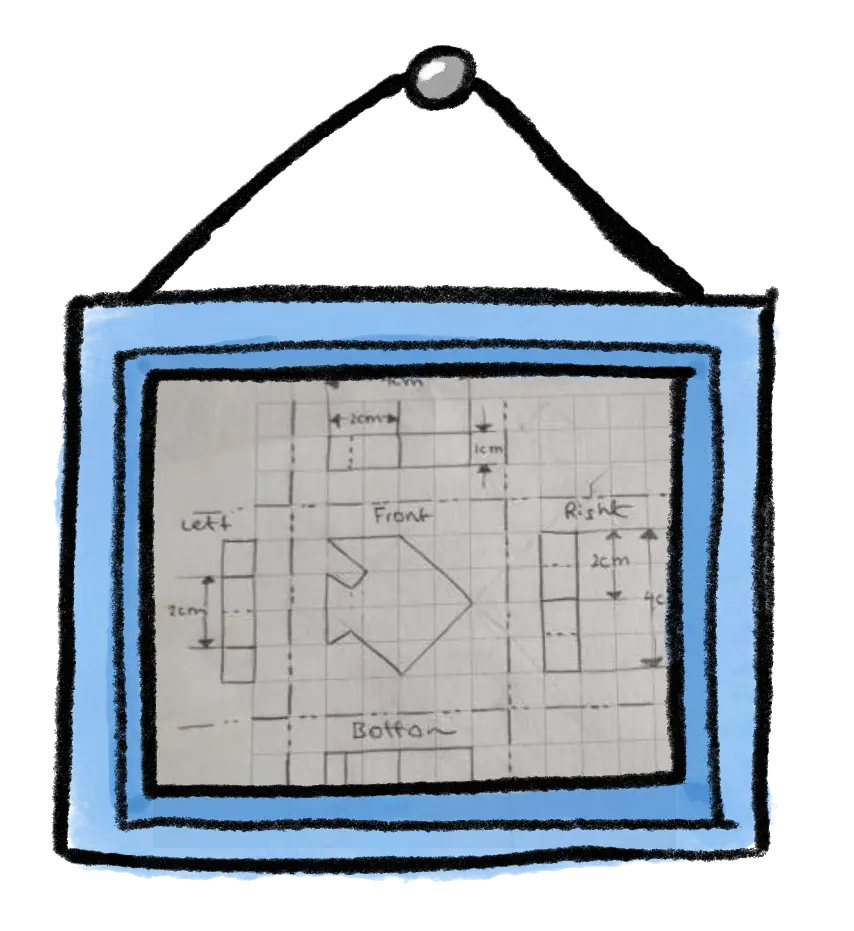
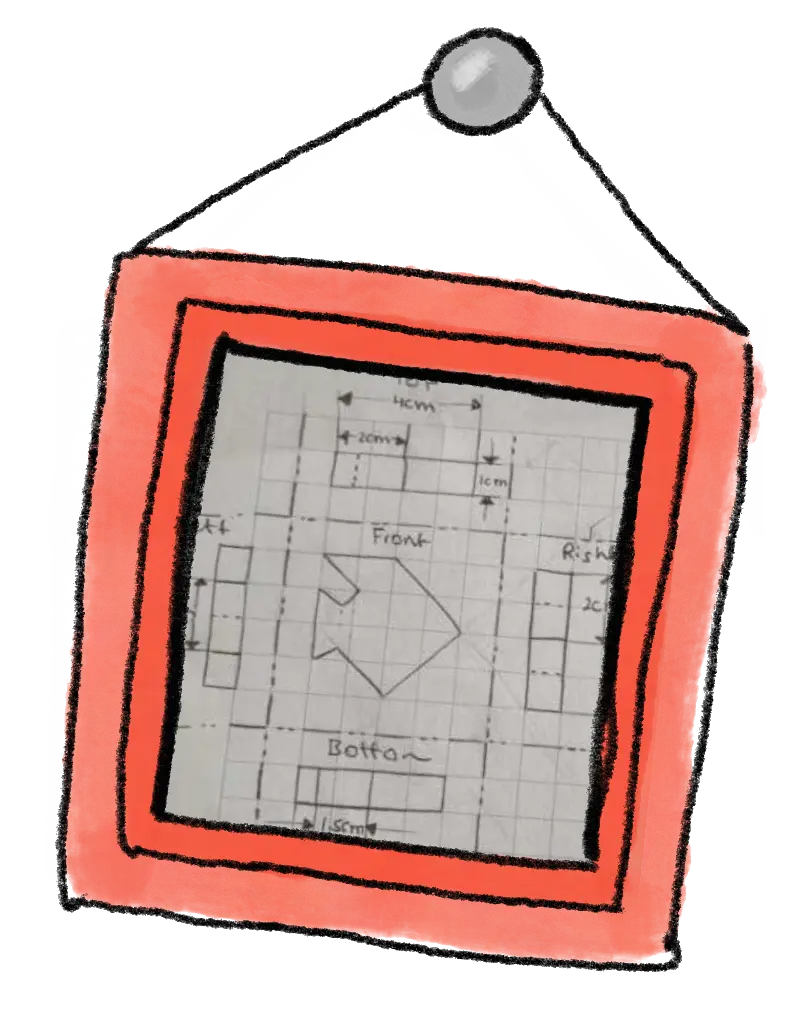
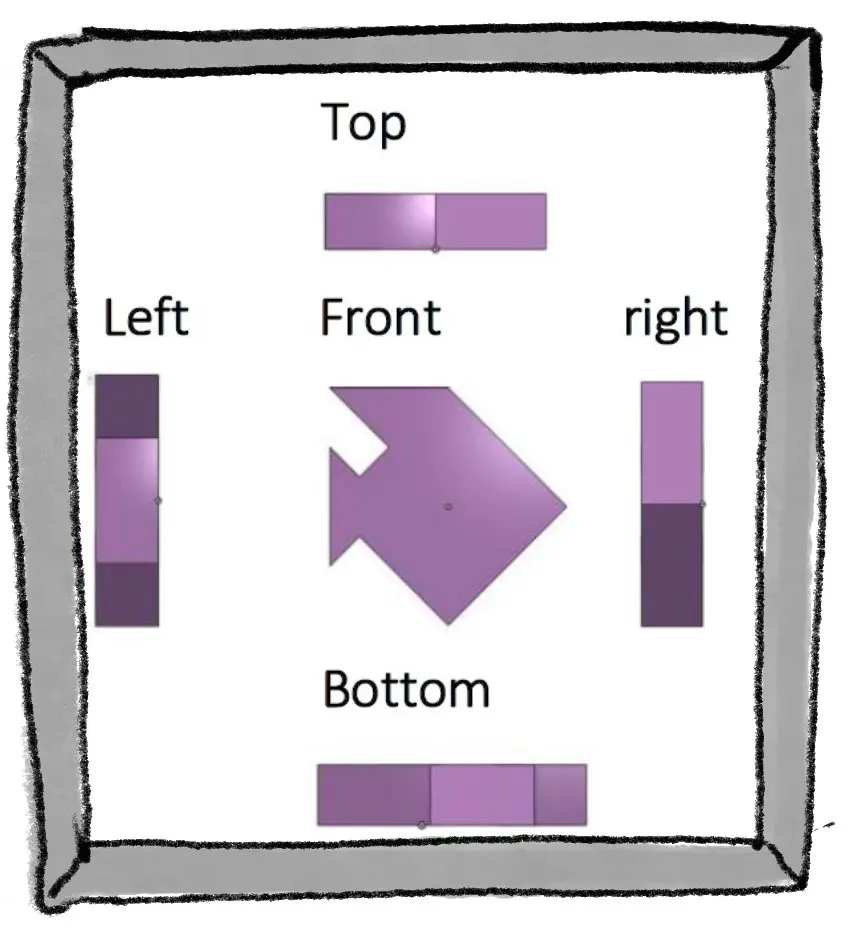
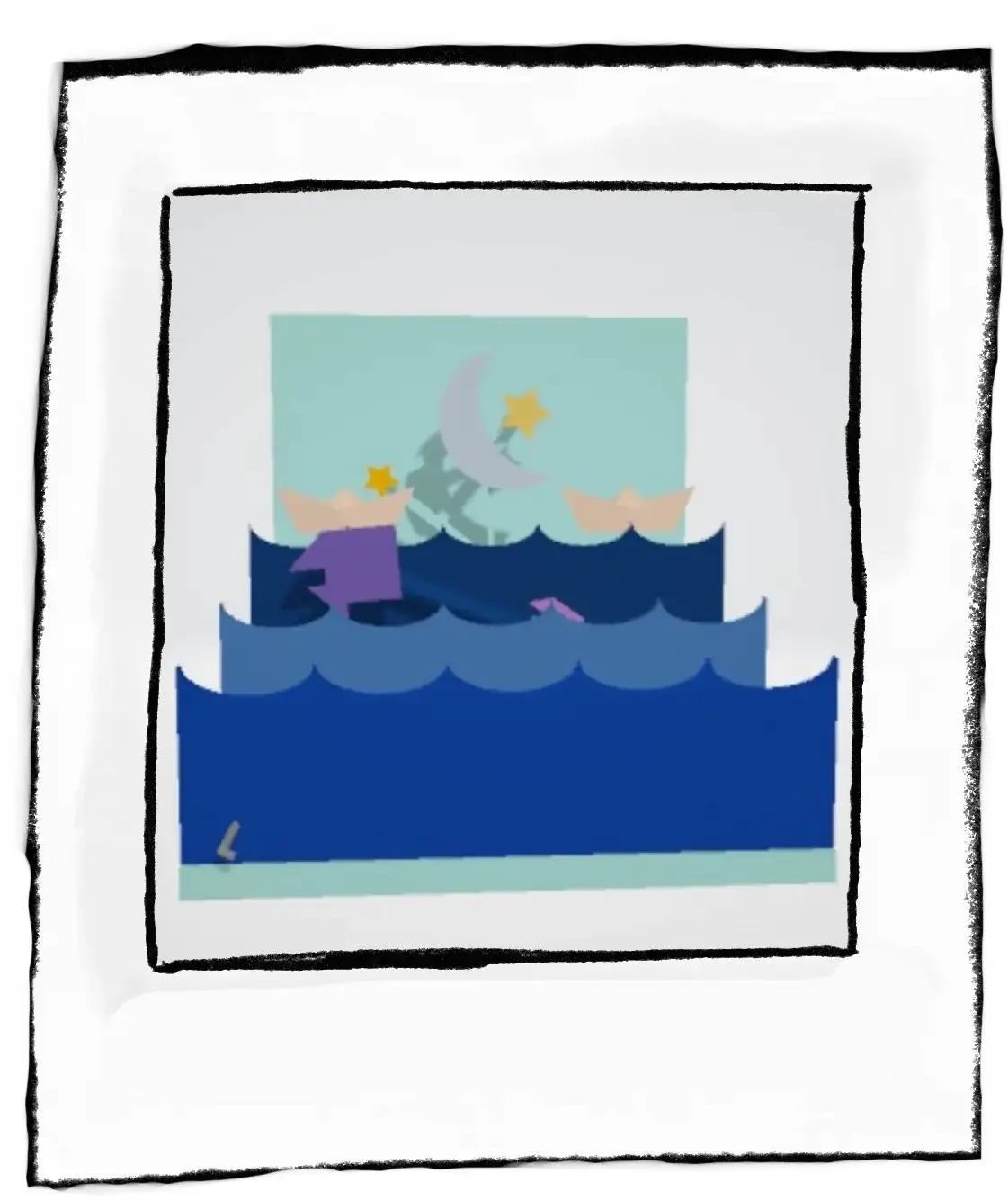
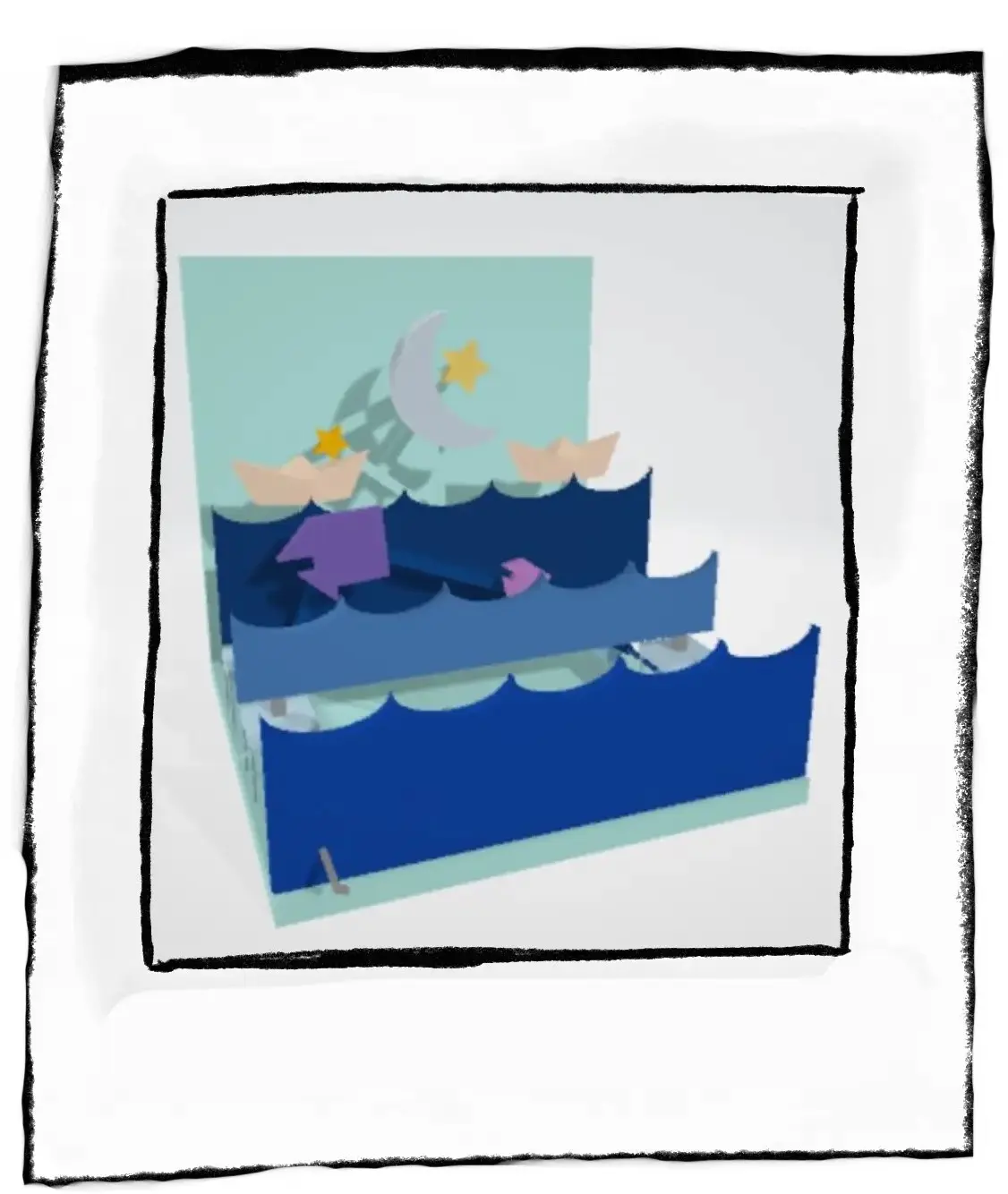
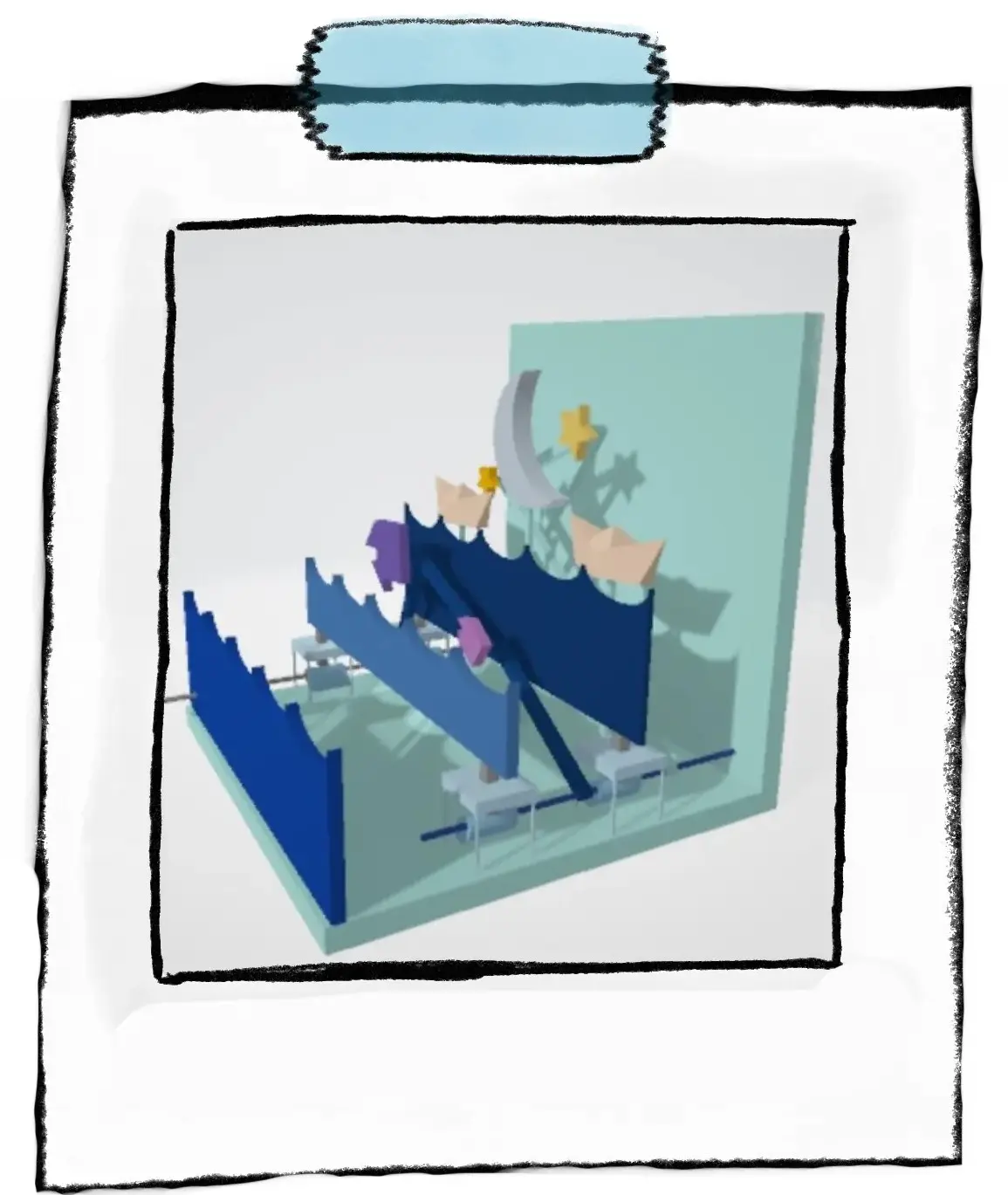
I began by sketching the scene and exploring how the objects could be simplified into forms that could be modelled. After choosing the direction, I created each component in Onshape and adjusted the geometry based on the mechanical requirements. Moving between sketching and modelling helped me understand how creative ideas need to adapt when they become physical objects.
The biggest challenge was designing objects that were both visually expressive and mechanically practical. A shape that looked good in a sketch still needed to work once converted into a 3D model and connected to the movement system.
This project changed how I view CAD modelling. Instead of only creating objects, I learned how 3D modelling can support storytelling by giving movement and personality to a design.
If I continued improving this project, I would spend more time refining the small details of each model and exploring more ways the movement could enhance the story of the scene.
IAT 339 · Web Design and Development
Designing a welcoming digital experience by translating a real daycare environment into a custom website, illustrations, and visual identity.
5 Corners Daycare was a website created for a real family daycare business. The goal was to create a website that helped parents access important information while also representing the warm and playful personality of the daycare. Working with a real client influenced my design decisions because the website needed to feel authentic to the existing space rather than looking like a generic daycare website.
I developed the visual direction by studying the existing daycare logo, colours, and physical environment. The main illustration of the yellow daycare building was created from the real location and transformed into a playful visual element that connected the physical space with the digital experience.
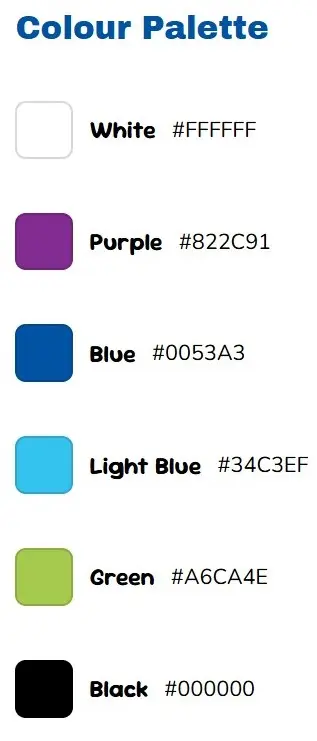
Before developing the website, I created a style direction based on the daycare's existing branding. The colour palette, illustrations, and visual elements were designed to make the website feel approachable for children while remaining clear for parents.
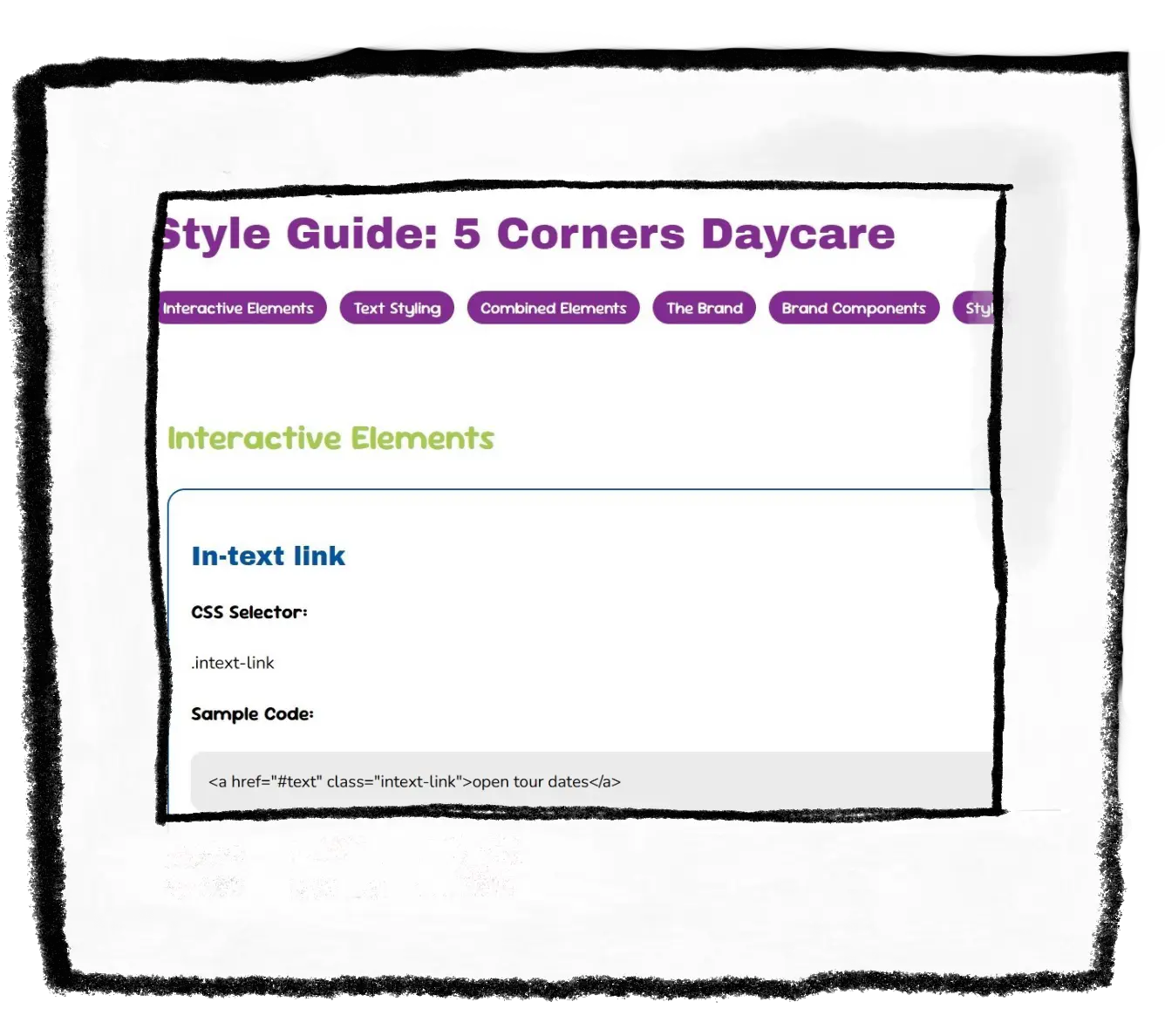
To make the website feel more connected to a children's environment, I created custom illustrations that could be used as playful visual elements throughout the experience.
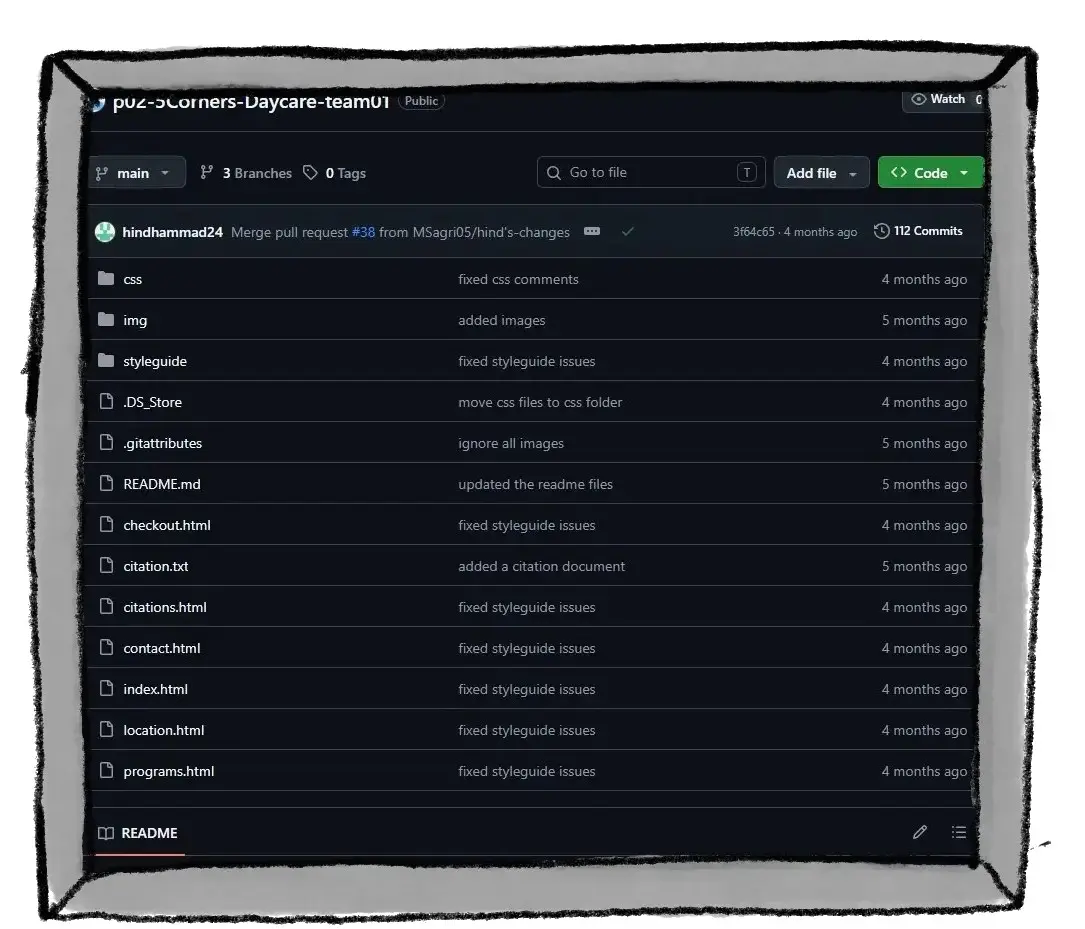
The website was developed from scratch using HTML and CSS. Working with my teammate through GitHub allowed us to collaborate, organize our code, and build the final website together.
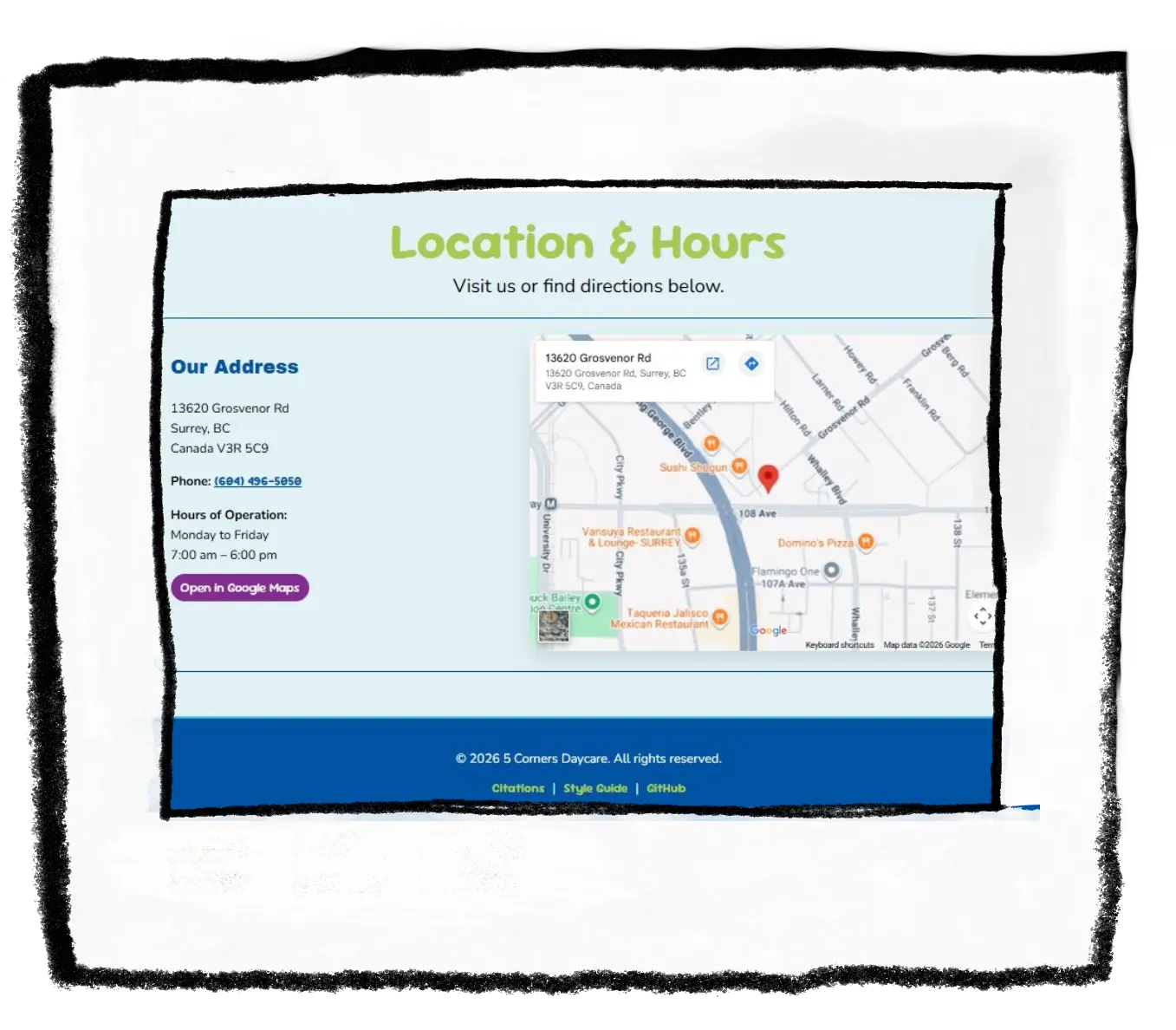
Since the website was created for parents looking for daycare information, usability and accessibility were important parts of the design. I focused on creating clear navigation, readable layouts, and useful sections such as location information.
This project helped me understand how design changes when creating for a real client. Instead of designing only for personal preference, I had to consider the daycare's identity, the needs of parents, and how visuals could communicate trust and warmth.
If I continued developing this project, I would explore more interactive elements and expand the custom illustrations throughout the website.